AnimateDiff
Transforms text or images into animated videos using AI-driven motion
Using AnimateDiff is like opening a toy box full of surprises, each one begging to be played with. This tool takes your words or images and spins them into short, animated videos that feel like magic, even if the process isn’t always flawless. Built on Stable Diffusion, AnimateDiff uses a motion module to breathe life into static visuals, and after a few hours of poking around, I’m hooked on its potential, though I hit a few bumps along the way. Picture this: you type “a cat chasing a laser pointer across a room,” and in minutes, you’ve got a clip of a fluffy feline darting with uncanny realism. It’s not Pixar, but it’s darn impressive for a free tool.
My first go was with a text prompt, using the ToonYou model for a cartoonish vibe. The interface is straightforward, you pick a model, type your prompt, hit generate, and wait. The result? A 5-second clip that nailed the cat’s playful energy, though the background flickered a bit, like a stagehand fumbling the scenery. I also tried animating a photo of a tree, and AnimateDiff made its branches sway like they were caught in a gentle breeze. The motion felt natural, thanks to the tool’s training on real-world videos, which gives it an edge over stiffer animation tools. Compared to Pictory or Synthesia, which focus more on polished video editing, AnimateDiff is rawer but more flexible for creative experiments.
What I loved was the sheer fun of it. The tool’s ability to generate looping animations is a gem, perfect for making mesmerizing GIFs or social media snippets. But, and there’s always a but, the online version can be slow, like waiting for a bus in the rain. I also noticed some quirks, like when I tried a complex prompt with multiple characters, the motion got janky, almost like the AI was overwhelmed. User feedback on X mirrors this, with some praising the tool’s ease and others griping about inconsistent outputs. It’s also worth noting that while it’s free online, serious users will want to run it locally for speed, which means shelling out for hardware.
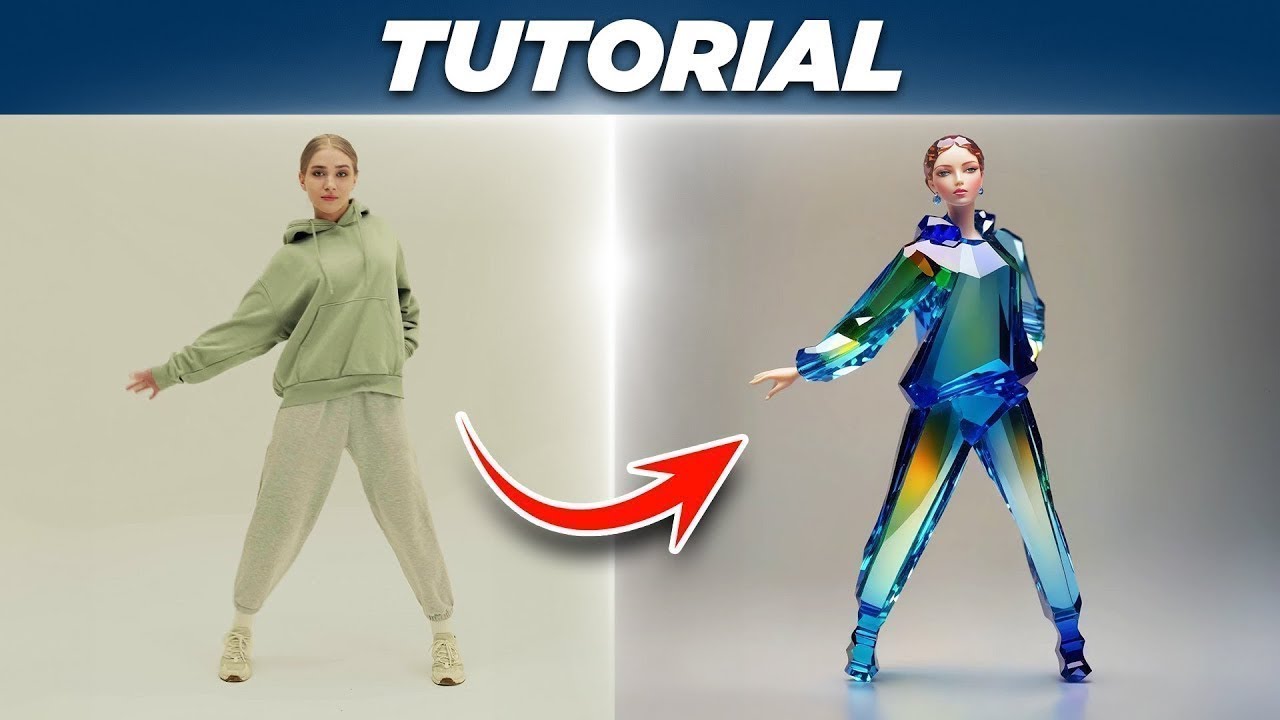
The wow factor came when I tried the video2video feature with ControlNet. I uploaded a clip of a dancer and added a prompt to put a glowing aura around her. The result wasn’t perfect, the aura flickered, but it was a thrilling peek at what’s possible. AnimateDiff feels like a playground for creators who don’t mind a few scraped knees.
My advice? Start simple, maybe a single character or object. Test different models to see what clicks. If you’re using the online version, be patient with load times. And don’t skip the looping feature, it’s a quick way to make shareable content that pops. Keep your expectations realistic, and you’ll have a blast.
Homepage Screenshot 📸
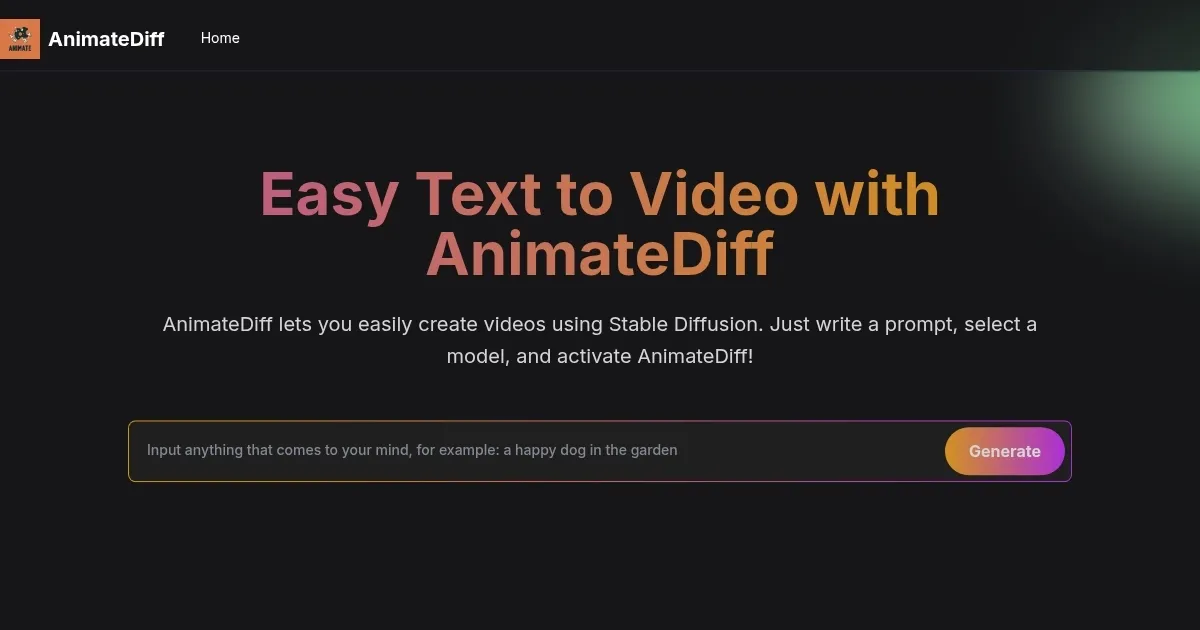
Video Overview 🎬
What are the key features? ✨
- Text-to-Video: Generates short video clips from text prompts using Stable Diffusion.
- Image-to-Video: Animates static images with natural motion based on learned patterns.
- Video2Video: Edits existing videos via text prompts using ControlNet integration.
- Seamless Looping: Creates looping animations for backgrounds or social media.
- Model Compatibility: Supports various Stable Diffusion models like ToonYou.
Who is it for? 🤔
Examples of what you can use it for 💡
- Digital Artist: Creates animated GIFs for social media from text prompts.
- Game Developer: Prototypes character animations using image-to-video.
- Marketer: Generates looping video ads from product images.
- Student: Visualizes storyboards for class projects with text-to-video.
- Content Creator: Edits short videos with text-driven effects via video2video.
Pros & Cons ⚖️
- Free online access
- Supports multiple models
- Creates looping animations
- Slow online processing
- Needs powerful GPU
FAQs 💬
Ready to try AnimateDiff?
Transforms text or images into animated videos using AI-driven motion
Visit AnimateDiffAnimateDiff alternatives 🔗