Aqua Voice
An AI-powered, voice-driven text editor designed to streamline document creation and editing
Aqua Voice is an AI-powered, voice-driven text editor designed to streamline document creation and editing using natural language. Unlike traditional dictation tools, Aqua allows users to speak naturally, and the software interprets the literal words and the intended actions. This means it can automatically format, correct, or transform your spoken input into polished text — making it useful for individuals who prefer voice over typing or have accessibility needs.
Aqua Voice includes implicit corrections and contextual editing. For example, if you mistakenly say “Thursday” but meant “Friday,” Aqua will automatically make the correction. It also handles more complex tasks like formatting quotes or turning a spoken to-do list into a structured document. This eliminates much of the manual effort typically associated with voice-to-text transcription, making Aqua that much more useful.
Aqua Voice also excels in voice-driven editing and fluid rewriting. Users can ask Aqua to rephrase, shorten, or clean up text while maintaining their original tone. In addition, it removes filler phrases and ensures that the final text reads professionally. This makes Aqua Voice useful for professionals, creatives, or anyone else who frequently uses voice commands for content creation.
The service can be particularly valuable for neurodivergent users or those who want a seamless, voice-only way to handle emails, create documents, or manage daily tasks without needing to touch a keyboard. And the best part is that you can try Aqua Voice for free and only pay if you determine it works for you. Check it out.
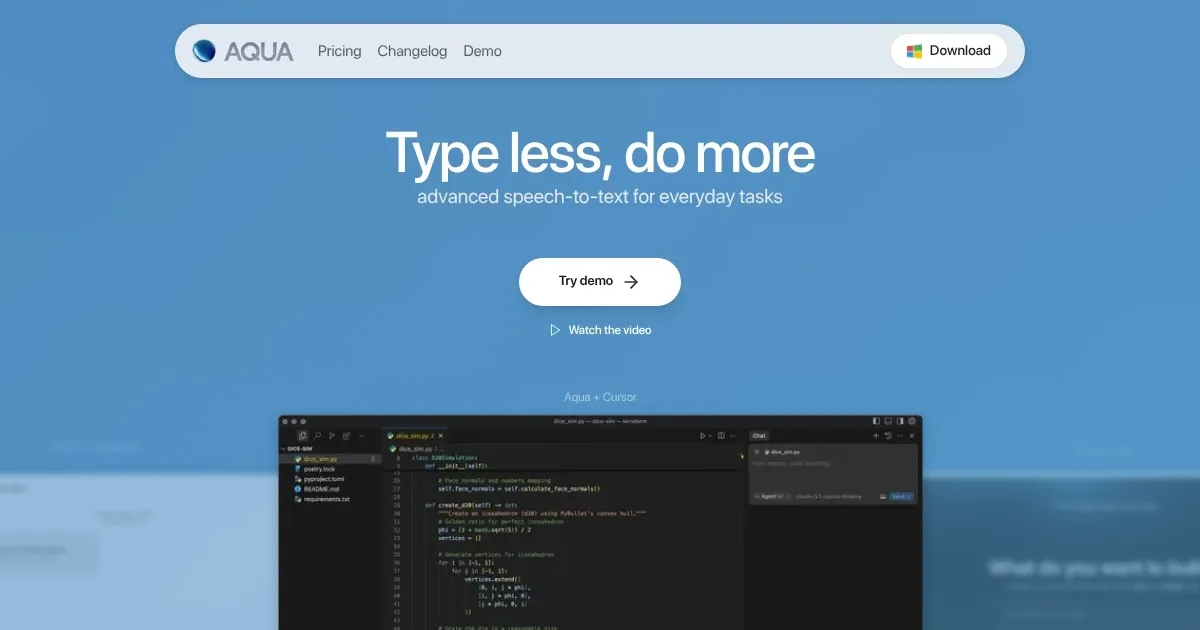
Homepage Screenshot 📸
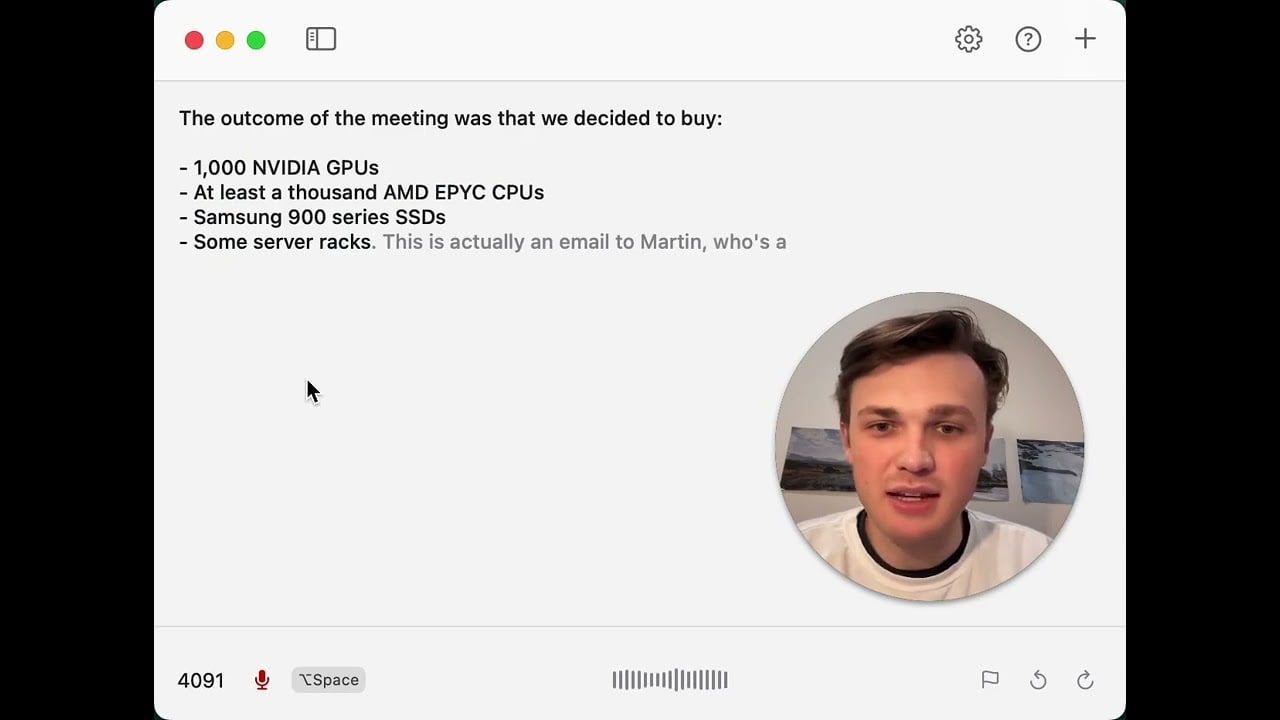
Video Overview 🎬
What are the key features? ✨
- Voice-driven editing: Edit and write documents entirely using voice commands, making it easy to manage text hands-free.
- Accurate transcriptions: Aqua Voice can transcribe spoken words into clean, well-formatted text, removing fillers like "uh" and "um."
- Spelling & grammar correction: It automatically fixes errors while preserving your tone and writing style.
- Filler removal: Aqua Voice refines spoken text into professional writing by removing unnecessary words.
- Fluid rewrites: Rephrase or shorten text with voice commands, maintaining clarity and tone.
Who is it for? 🤔
Examples of what you can use it for 💡
- Dictate entire articles, emails, or books with minimal typing
- Create polished reports and documents by speaking naturally, with Aqua handling corrections
- Convert spoken notes into organized text quickly for assignments or studying
- Easily draft scripts or posts by talking through ideas, turning speech into clean writing
- Manage to-do lists, memos, and emails efficiently using only voice commands
Pros & Cons ⚖️
- Smart transcriptions that remove filler words automatically
- Edit texts and lists with your voice
- You can try it for free
- Some manual editing may still be required
Ready to try Aqua Voice?
An AI-powered, voice-driven text editor designed to streamline document creation and editing
Visit Aqua VoiceAqua Voice alternatives 🔗