Willow
Converts speech to polished text across any Mac app
Willow, or Willow Voice, is like having a scribe who never sleeps. This Mac-based AI dictation tool takes your spoken words and spins them into clean, formatted text, no matter what app you’re using. I dictated a quick email in Gmail, jotted notes in Notion, and even tried it in a plain text editor. Each time, my words appeared, polished and ready, like a barista handing you a perfectly frothed latte. But it’s not perfect, and after a couple hours of testing, I’ve got thoughts — some glowing, some less so.
The setup was a breeze. I downloaded the app, signed up for the free trial, and started talking. The Universal Compatibility feature lives up to its name, I didn’t need to copy-paste or switch apps. My words flowed into Slack, then a Google Doc, with the AI fixing my grammar on the fly. The Personalization feature is clever, it started mimicking my casual tone after a few sentences, though I wish it learned faster. Quiet Mode was a pleasant surprise, I whispered some notes in a quiet room, and it caught every word. Privacy? Solid. Everything’s processed locally, so no creepy cloud storage here.
Still, I hit a few snags. The app stumbled on some niche tech terms until I added them to the Custom Dictionary, which was easy but an extra step. It’s also Mac-only, so my Windows-using colleagues are out of luck. Compared to Dragon Professional, Willow feels more intuitive for general use, but Dragon’s got deeper customization for specialized fields. Otter is another rival, great for meeting transcriptions but less seamless across apps. Willow’s pricing feels fair, with a free trial to start, though I’d need more time to judge its value against Otter’s subscription or Dragon’s one-time fee.
What caught me off guard was the AI Mode. I mumbled “Lunch plans tomorrow,” and it churned out a full sentence: “Let’s schedule lunch for tomorrow at noon.” It’s like the app read my mind. But I’d love more language options, 10+ is decent but not enough for global teams. Also, a spotty internet connection slowed my setup, which was annoying.
Want to try it? Grab the free trial and dictate a memo or two. Play with the Custom Dictionary to teach it your lingo. If you’re a Mac user who writes a ton, this could save you hours. Just don’t expect it to nail every term right away — give it a little coaching, and it’ll shine.
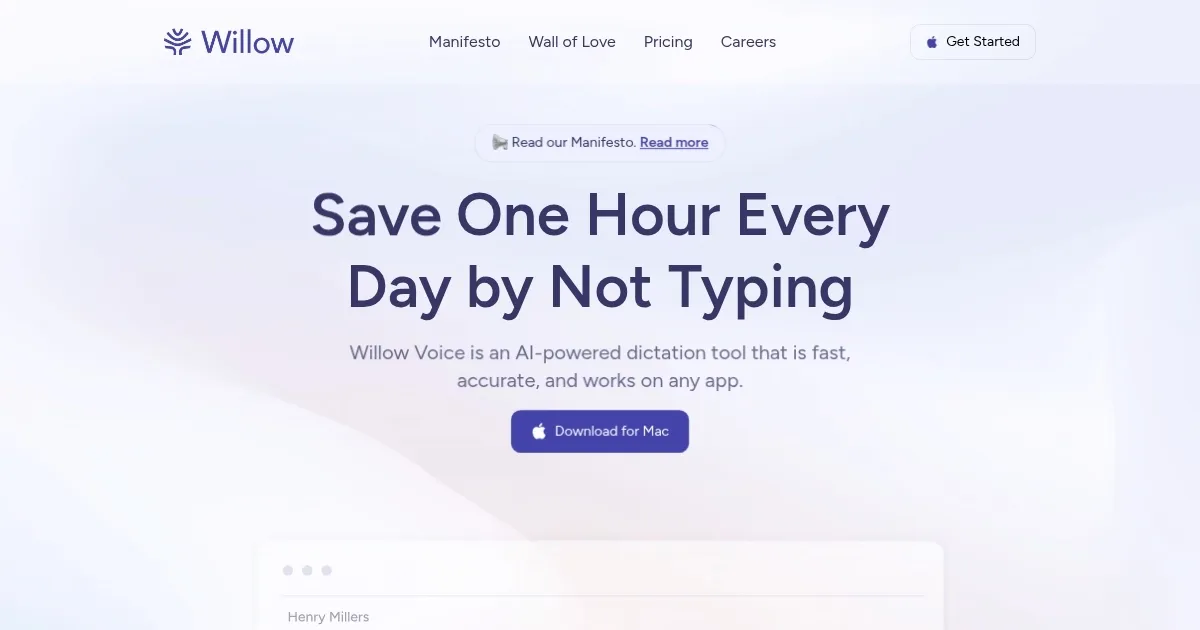
Homepage Screenshot 📸
Video Overview 🎬
What are the key features? ✨
- Universal Compatibility: Works seamlessly across all Mac applications.
- AI-Powered Editing: Fixes grammar and formatting in real-time.
- Context Awareness: Accurately transcribes technical terms based on app context.
- Custom Dictionary: Allows users to add unique terms for improved accuracy.
- Quiet Mode: Captures soft speech effectively in quiet environments.
Who is it for? 🤔
Examples of what you can use it for 💡
- Freelance Writer: Drafts articles in Google Docs using voice to speed up content creation.
- Project Manager: Dictates quick Slack updates to keep teams aligned without typing.
- Journalist: Composes interview notes in Notion with real-time formatting.
- Developer: Provides voice-based code feedback in collaborative tools like GitHub.
- Marketer: Creates email campaigns in Gmail 3x faster with dictation.
Pros & Cons ⚖️
- Works across all Mac apps.
- Adapts to user’s writing style.
- Free trial with 2,000 words.
- Mac-only, no Windows support (as of August 2025)
- Niche terms need manual tweaks
FAQs 💬
Willow alternatives 🔗