Granola
An AI-powered tool that makes your meeting notes not just manageable, but also delightful
You probably know how meetings can pile up faster than dirty dishes after a family dinner. Keeping track of all the discussions, decisions, and action items can be a pain — and that’s where Granola kicks in with its AI-powered notepad.
This neat tool is designed to make your meeting notes not just manageable, but also delightful. Yes, delightful as Granola acts as a sidekick who listens in, jots down the important bits, and organizes everything neatly for you.
Say you’re in a meeting, trying to focus on the conversation while scribbling notes. In a way, it’s like patting your head and rubbing your belly at the same time — i.e. not easy. Granola works in the background to capture the essence of your meetings without intrusive bots or plugins. This means you can stay present, engage fully, and let Granola handle all the note-taking.
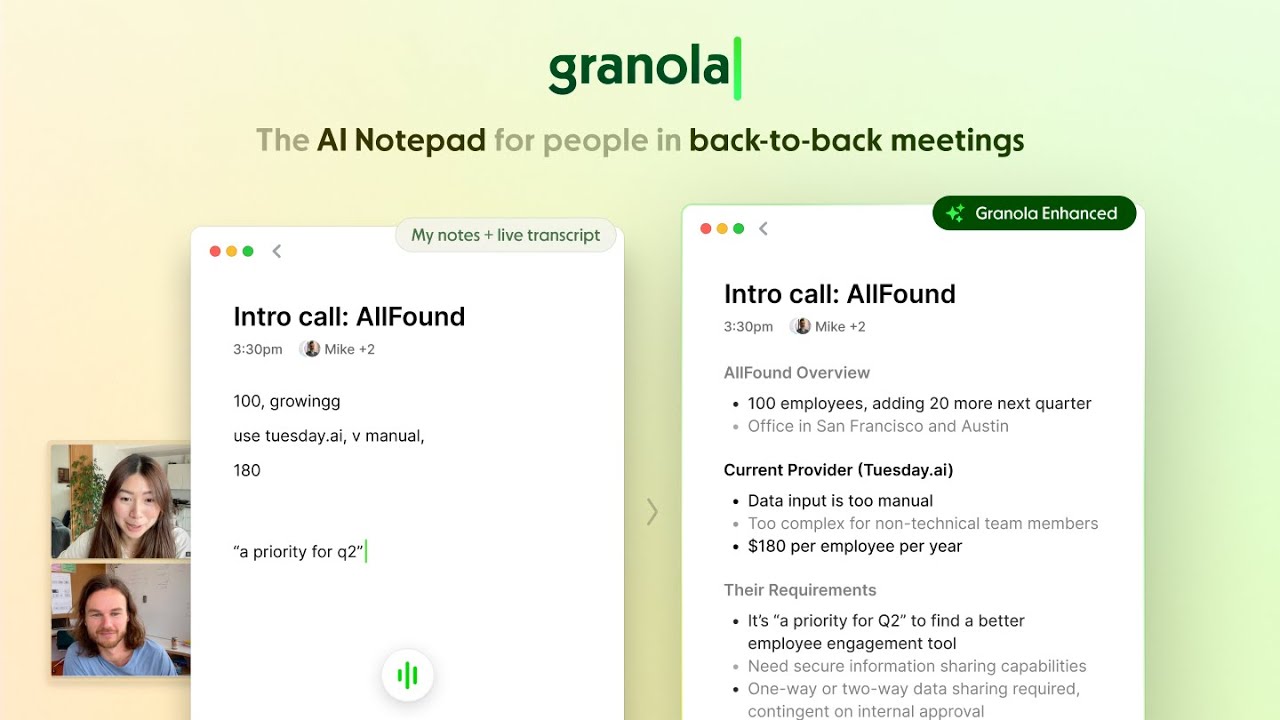
And the best part is that Granola keeps working for you even after meetings, taking your raw notes and sprinkling some AI magic to enhance them. It can understand the context, identify key points, and structure everything in a way that’s easy to digest. It’s like turning a rough sketch into an actionable masterpiece.
Granola can also integrate seamlessly into your existing workflow. It’s compatible with various platforms and doesn’t require any special setup. Plus, it’s customizable, and will work for different use cases, like a user interview, leading a team stand-up, or pitching to potential clients.
In conclusion, Granola is a compelling solution for professionals looking to streamline their meeting documentation processes. Its AI-driven features, integration capabilities, and user-friendly design make it a valuable tool for enhancing productivity and ensuring accurate record-keeping. And that’s not a small feat.
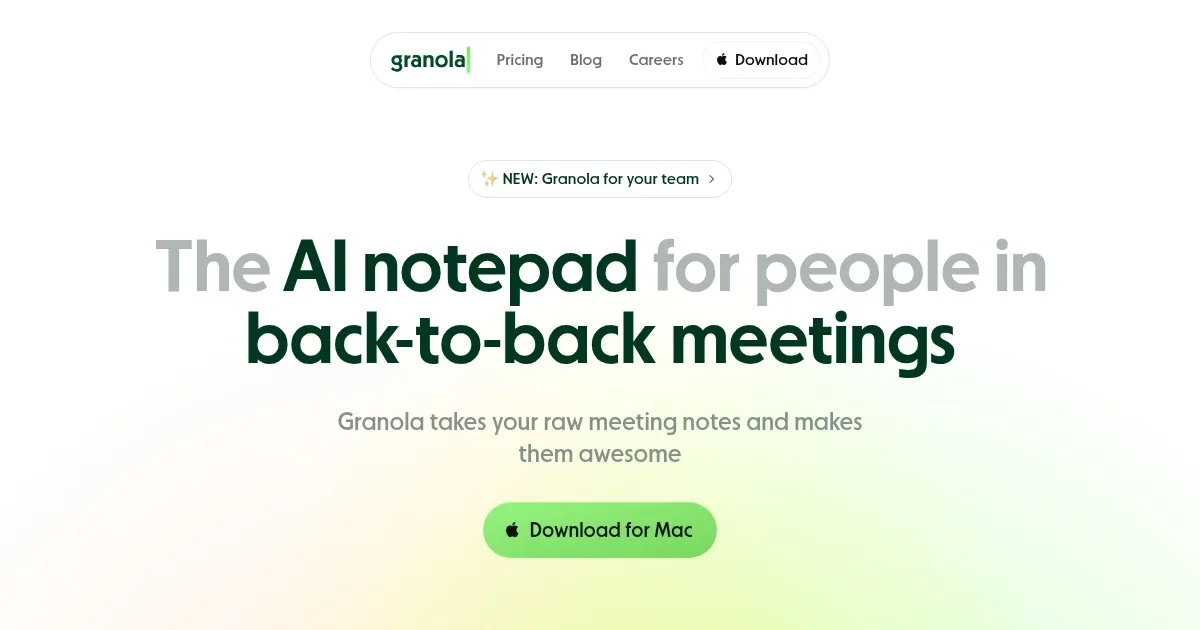
Homepage Screenshot 📸
Video Overview 🎬
What are the key features? ✨
- AI-enhanced notes: Granola uses advanced AI to transform your rough meeting notes into well-organized summaries.
- Seamless integration: It works across different platforms without the need for additional plugins or bots, ensuring a smooth user experience without disrupting your existing workflow.
- Customizable templates: Granola offers templates tailored to various meeting types, such as one-on-ones, user interviews, and pitches.
- Built-in GPT-4: With GPT-4 integration, Granola can assist with post-meeting tasks like drafting follow-up emails or listing action items to enhance productivity beyond note-taking.
- User-friendly design: Granola's intuitive interface ensures that both tech-savvy users and those less tech-savvy can navigate and utilize its features.
Who is it for? 🤔
Examples of what you can use it for 💡
- Individuals with back-to-back meetings can rely on Granola to capture and organize notes
- Teams can use Granola to maintain consistent and clear records of meetings
- Sales or client-facing professionals can utilize Granola to document client needs and follow-ups
- Researchers conducting interviews can benefit from Granola's transcription and summarization capabilities
- Educators and students can use Granola to record lectures or study sessions
Pros & Cons ⚖️
- Allows users to focus more on the meeting content
- Ensures that no critical information is lost in meetings
- Customizable templates support for different meeting types
- Primarily available for macOS
FAQs 💬
Ready to try Granola?
An AI-powered tool that makes your meeting notes not just manageable, but also delightful
Visit Granola