Kerlig
Enhances writing in any Mac app with AI proofreading and generation
Let’s get right to it. Kerlig slips into your Mac like it belongs there, a quiet helper that pops up exactly when you need it. You highlight some text in Slack or Mail, hit that hotkey—Option plus Space—and suddenly you’ve got options to fix grammar, tweak the tone, or whip up a full reply. It’s not flashy, but that’s the point; it feels like an extension of macOS itself, not some bolted-on gadget. I spent some time poking around similar tools, like Elephas or BoltAI, and yeah, they do solid work, but Kerlig wins on that native vibe, the way it launches in under 200 milliseconds and sips just 100MB of RAM. No bloat. No waiting.
The real magic hides in those custom actions. Built-in ones handle the basics—summarize a webpage, chat with a PDF, even convert code snippets to TypeScript interfaces. But fire up the actions editor, and you build your own. Say you’re a product manager juggling Jira tickets; craft an action that pulls ticket details and suggests updates in your voice. It learns from your tweaks, too, so over time, it nails that personal style without you babysitting every prompt. Competitors like Elephas offer knowledge bases for docs, which is handy for big projects, but Kerlig’s edge is in-context speed—no digging through files, just grab and go. And with support for 350-plus models, from OpenAI’s GPTs to local Ollama runs, you switch mid-task if one model’s output feels off. I think that’s where it shines, giving power users flexibility without overwhelming newbies.
Of course, nothing’s perfect. The one-time fee starts low for solo users, around what you’d pay for a fancy coffee subscription over a year, but teams shell out more for multi-seat licenses and priority support. Compared to BoltAI‘s recurring costs, it’s a steal if you’re token-light, but heavy API users might watch those bills creep up. One quirk I noticed: attaching ebooks works great for EPUBs, but zipped ones sometimes glitch, forcing a quick unpack. Minor, but it pulled me out of flow once or twice. Still, the privacy setup reassures—your data hits providers directly, then encrypts locally on your drive. No creepy cloud hoarding.
Surprises? The deep research mode blew me away. Feed it a URL or doc, and reasoning models like Claude 3.5 Sonnet chain thoughts step-by-step, citing sources you can click through. It’s like having a research intern who actually shows their work. Users on forums rave about this for academics, turning dense papers into digestible chats. And the headless mode? Run actions in the background while you multitask—summarize a meeting transcript without lifting a finger. Witty touch: the career coach action, which spins resume tweaks into interview prep scripts. Feels personal, almost cheeky.
Practical tip: Start small. Map a couple hotkeys for your daily grind, like grammar fixes in email. Tinker with one custom action weekly. Before long, you’ll wonder how you wrote without it. Grab the trial, test in your workflow, and if it clicks, that license pays for itself in saved hours.
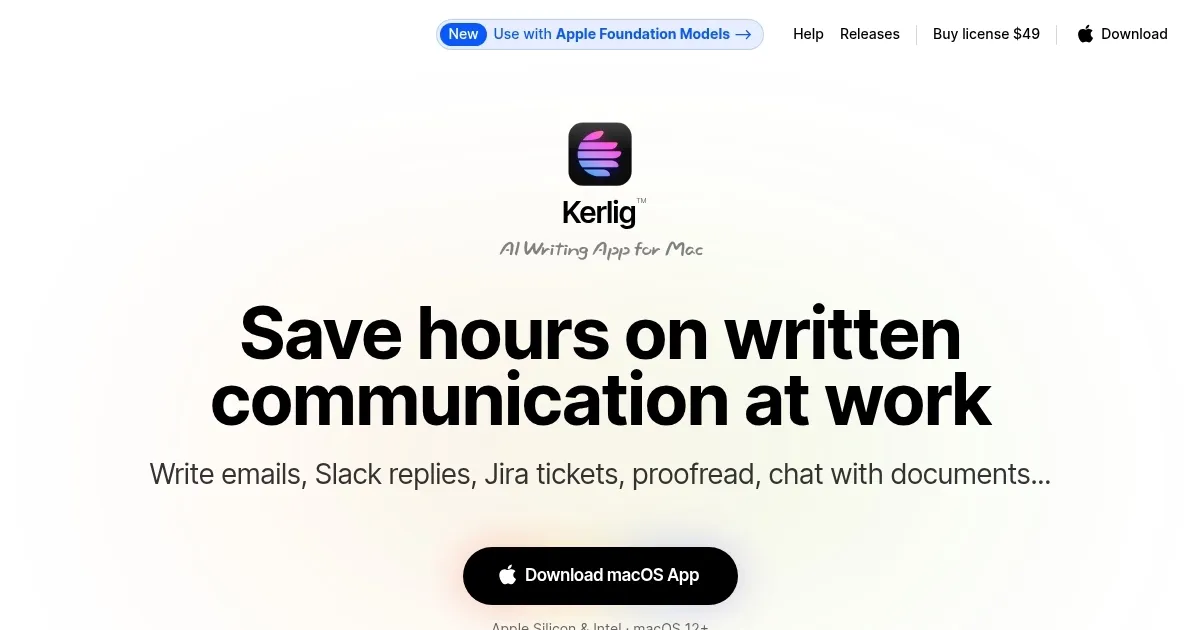
Homepage Screenshot 📸
Video Overview 🎬
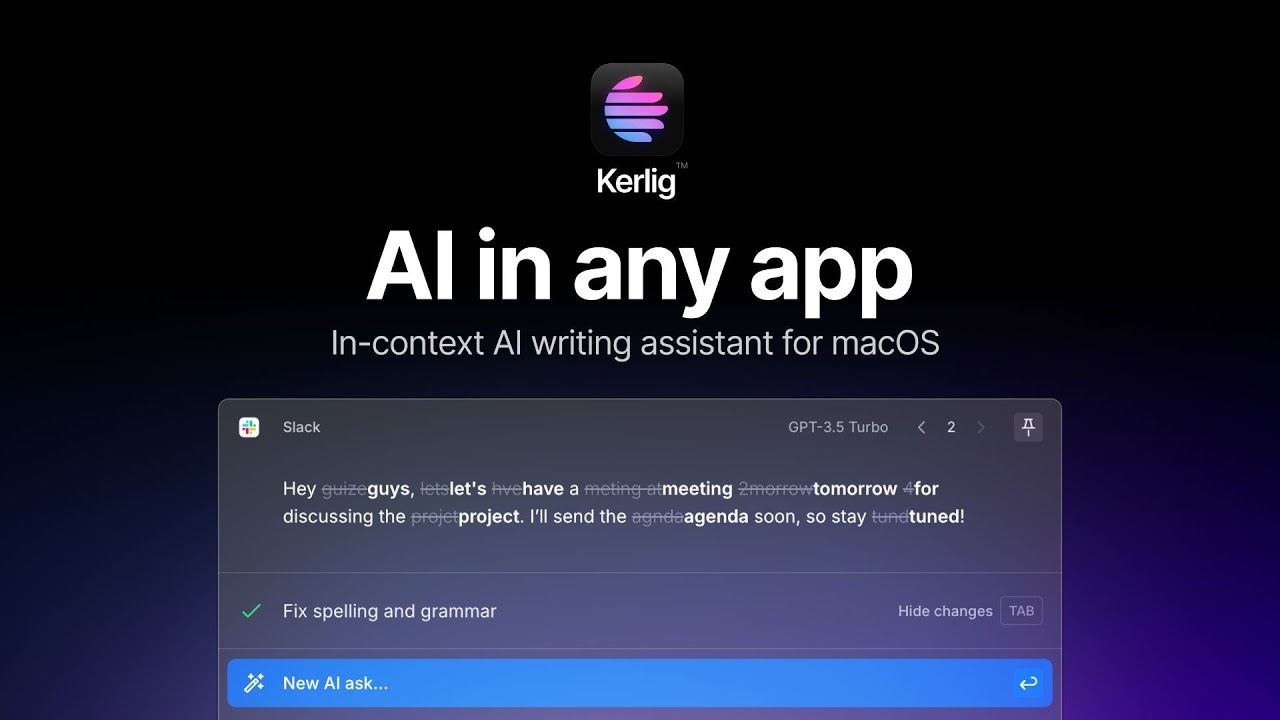
What are the key features? ✨
- Custom Actions: Users build personalized AI workflows via an intuitive editor for tasks like Jira ticket updates or script generation.
- AI Model Integration: Supports 350+ models from OpenAI, Anthropic, Google, and local Ollama for one-click switching.
- Document Chat: Analyzes and converses with PDFs, images, webpages, and EPUBs using attachments and vision capabilities.
- Global Hotkeys: Activates via Option-Space for instant proofreading, summarization, or reply drafting in any app.
- Deep Research: Leverages reasoning models for multi-step analysis with chain-of-thought visibility and clickable citations.
Who is it for? 🤔
Examples of what you can use it for 💡
- Product Manager: Drafts concise Jira tickets by feeding descriptions into custom actions for structured updates.
- Content Writer: Summarizes webpages or ebooks quickly to extract key points for articles or social posts.
- Academic Researcher: Chats with PDF attachments to analyze studies and generate cited summaries.
- Email Marketer: Generates personalized reply templates in Mail using tone-matching for client outreach.
- Software Developer: Converts code snippets to TypeScript interfaces or debugs via inline prompts in VSCode.
Pros & Cons ⚖️
- Seamless Mac integration
- One-time license model
- 350+ AI models
- Custom action builder
- Mac-only availability
- API token costs add up
FAQs 💬
Ready to try Kerlig?
Enhances writing in any Mac app with AI proofreading and generation
Visit Kerlig