Lutra
Automates workflows using natural language to connect apps and streamline tasks
Lutra is a code-first automation platform that turns natural language instructions into workflows, connecting apps like Google Workspace, HubSpot, and Xero to streamline tasks. It uses AI to generate and execute code, ensuring reliable, secure automation for data extraction, email management, and more. With SOC2 certification, it prioritizes data privacy, making it suitable for businesses of all sizes. The platform supports over 30 integrations, including Slack, Airtable, and GitHub, and offers reusable Playbooks to save and share workflows.
Key features include Email Automation, which extracts data from emails and syncs it to spreadsheets or CRMs, and Profile Finder, which pulls LinkedIn data for lead generation. The Data Extraction tool handles unstructured data from PDFs or websites, while Playbooks allow scheduling and team-sharing for consistent results. Lutra’s MCP support enables connections to custom APIs, expanding its flexibility. A credit-based system governs AI-intensive tasks, with enterprise plans offering higher limits.
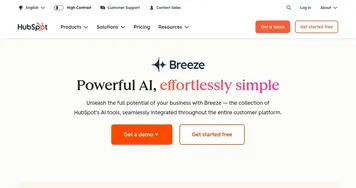
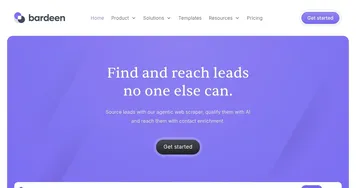
Compared to Zapier, Lutra offers a more intuitive natural language interface but fewer app integrations. Seamless.AI focuses on sales leads, while Lutra’s broader automation capabilities suit diverse industries. Bardeen is similar but relies more on browser-based automations, whereas Lutra’s code-driven approach handles complex tasks better.
Users appreciate the ease of creating workflows without coding and the time saved on repetitive tasks. However, the learning curve for crafting precise prompts can frustrate beginners. The credit system may feel limiting for heavy users, and custom integrations are still expanding. Some report occasional delays in processing large datasets, particularly with web searches.
Lutra’s pricing includes a 14-day free trial, with paid plans competitive for small to medium businesses. Enterprises may need custom plans for advanced needs. To get started, try automating simple tasks like email sorting or data syncing. Use clear, specific instructions to maximize accuracy, and explore Playbooks for recurring tasks.
Homepage Screenshot 📸
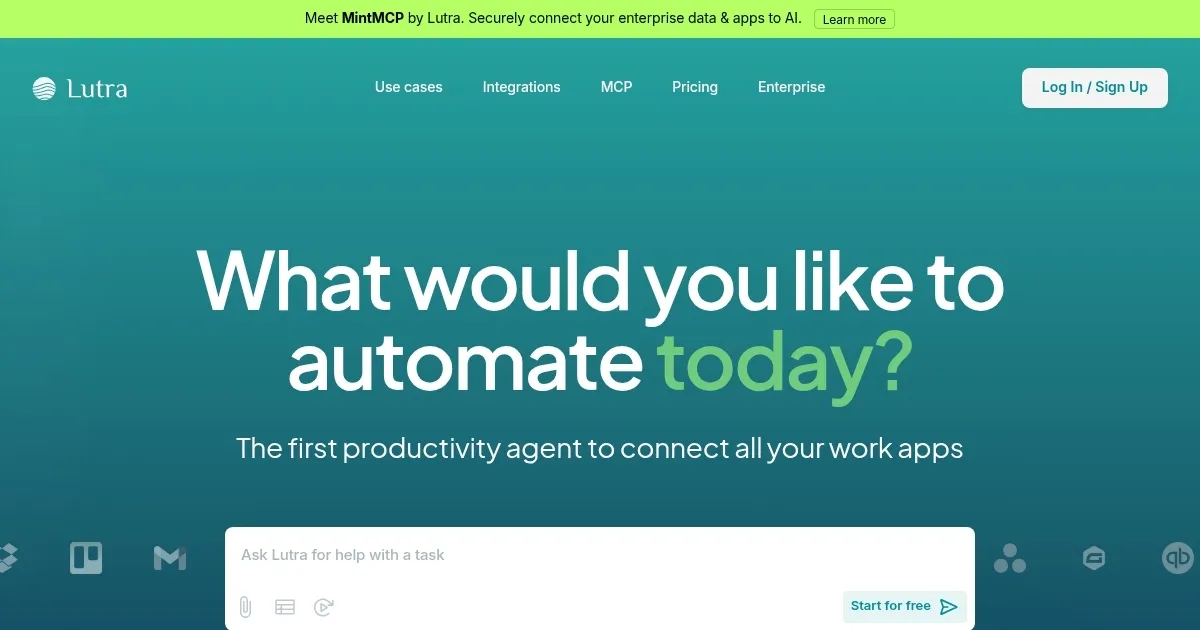
Video Overview 🎬
What are the key features? ✨
- Email Automation: Extracts data from emails and syncs it to spreadsheets or CRMs.
- Profile Finder: Pulls professional details from LinkedIn based on user criteria.
- Data Extraction: Processes unstructured data from PDFs or websites into structured formats.
- Playbooks: Saves and schedules reusable workflows for consistent task automation.
- MCP Integration: Connects to custom APIs for flexible app interoperability.
Who is it for? 🤔
Examples of what you can use it for 💡
- Marketer: Automates personalized email outreach by syncing campaign data with HubSpot.
- Sales Manager: Uses Profile Finder to compile LinkedIn leads into a CRM.
- Small Business Owner: Streamlines invoice creation and expense tracking in Xero.
- Researcher: Extracts data from PDFs and websites into structured spreadsheets.
- Project Manager: Schedules Playbooks to update Airtable with task progress.
Pros & Cons ⚖️
- No-code automation via natural language
- Integrates with 30+ apps
- Flexible MCP for custom APIs
- Steep learning curve for prompts
- Credit system can feel restrictive
FAQs 💬
Ready to try Lutra?
Automates workflows using natural language to connect apps and streamline tasks
Visit LutraLutra alternatives 🔗