Revoldiv
Transcribes audio/video to text with AI-powered editing and sharing
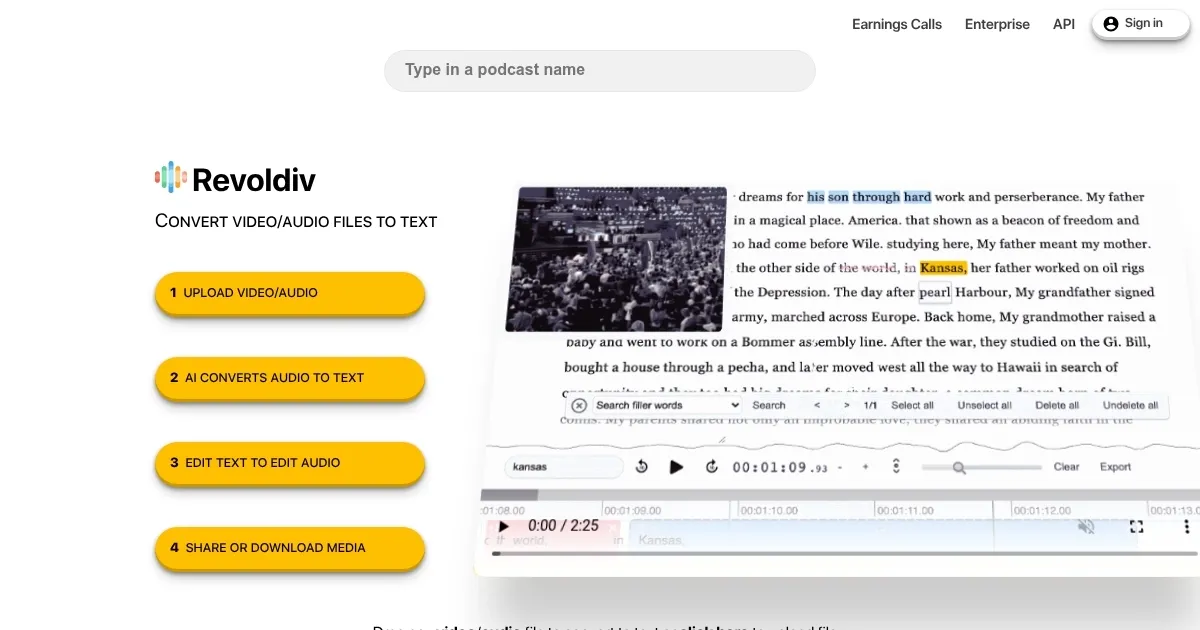
I had some time with Revoldiv, and it’s made for transcribing audio and video. In that sense, it feels like a friend who’s got your back when you’re drowning in raw footage. I uploaded a 20-minute podcast clip, and bam — within seconds, a transcript appeared, synced perfectly with the audio. The interface is slick, almost too simple, with a timeline that lets you follow along as the audio plays. Clicking on a word jumps you to that exact moment. It’s the kind of feature that makes you wonder why every tool doesn’t do this.
The “Filler Word Removal” feature is a standout. I tested it on a clip littered with “uhs” and “you knows,” and with one click, they vanished, leaving a cleaner transcript and audio track. Editing is where Revoldiv shines: delete a sentence from the text, and the corresponding audio is gone. It’s intuitive, almost playful, like sculpting sound with a few keystrokes. I also tried the keyword search, hunting for “AI” in my clip, and it pinpointed every mention instantly. Exporting to SRT for subtitles was painless, and the commenting system let me highlight a funny moment to share with a colleague, sparking a quick chat right in the platform.
But it’s not perfect. I noticed the AI struggled a bit with a guest’s thick accent, misinterpreting a few words, which meant some manual tweaking. The two-hour file limit is a drag — my longer recordings would need to be split. And forget about transcribing directly from YouTube; I had to download the video first, which felt like an extra hurdle. The Chrome-only vibe (Firefox works too) meant I couldn’t tinker on my iPad, which was mildly annoying.
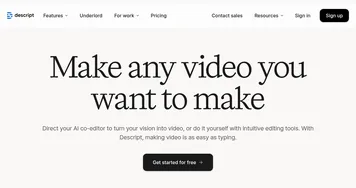
Against tools like Descript, which feels like a full-blown production suite, or Sonix, with its multilingual prowess, Revoldiv is leaner but less feature-heavy. Its pricing — free for basic use, with paid plans for heavier lifting — seems fair, though competitors offer more advanced analytics or integrations. The surprise was the community aspect. The ability to share snippets and comment feels like a social media feed for creators, which I didn’t expect but enjoyed.
Give Revoldiv a spin for quick projects. Test it with a short clip to get a feel for the interface, and use the free tier to see if it fits your workflow. If you’re dealing with accents or noisy audio, budget time for manual edits, and keep your files under two hours to avoid headaches.
Homepage Screenshot 📸
Video Overview 🎬
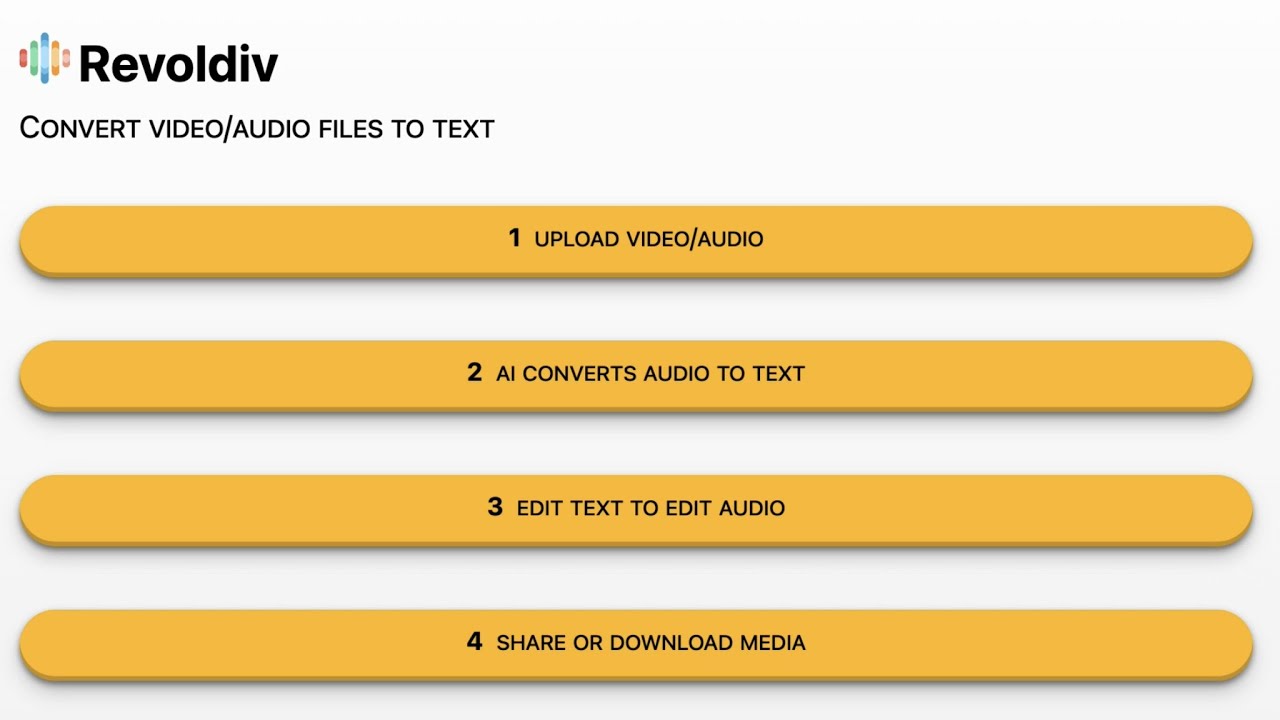
What are the key features? ✨
- Audio/Video Transcription: Converts media files to text with high accuracy.
- Filler Word Removal: Removes “um,” “like,” and other fillers with one click.
- Real-Time Sync: Syncs transcript with audio for easy navigation.
- Export Options: Supports plain text, SRT, VTT, and video formats.
- Commenting System: Allows users to highlight and discuss specific moments.
Who is it for? 🤔
Examples of what you can use it for 💡
- Podcaster: Transcribes episodes and removes filler words for polished content.
- Journalist: Converts interviews to text for easy quote extraction.
- Content Creator: Generates subtitles for videos to boost accessibility.
- Financial Analyst: Summarizes earnings calls with key insights via API.
- Team Collaborator: Shares transcript snippets for group feedback.
Pros & Cons ⚖️
- Fast transcription speed
- Free tier available
- Filler word removal
- Two-hour file limit
- No mobile editing
FAQs 💬
Ready to try Revoldiv?
Transcribes audio/video to text with AI-powered editing and sharing
Visit RevoldivRevoldiv alternatives 🔗