Tana
A fancy service that uses AI to streamline workflows
Tana is a fancy service that uses AI to streamline workflows. In that sense, it acts as a workspace where your notes transform into actionable tasks, meetings transcribe themselves, and your voice memos morph into structured content.
Many traditional note-taking apps confine users to rigid structures, making the organization of diverse information a chore. In contrast, Tana shatters this mold with a dynamic system where every piece of data — be it a fleeting thought or a detailed project plan — interconnects seamlessly. And it is this interconnectedness that ensures your knowledge base evolves organically, thus mirroring the way your mind works.
Tana’s AI capabilities kick in when you need to summarize information, complete with action items (presuming they are needed). This is extremely handy for online meetings, helping reduce the manual labor that is traditionally associated with post-meeting tasks. As you can imagine, such a capability saves time while ensuring that no crucial detail slips through the cracks.
Furthermore, Tana excels at voice memos, allowing you to record your thoughts on the go. From there, it can transcribe and organize them into coherent notes or tasks. This can be especially cool for anyone who finds inspiration strikes at unpredictable times.
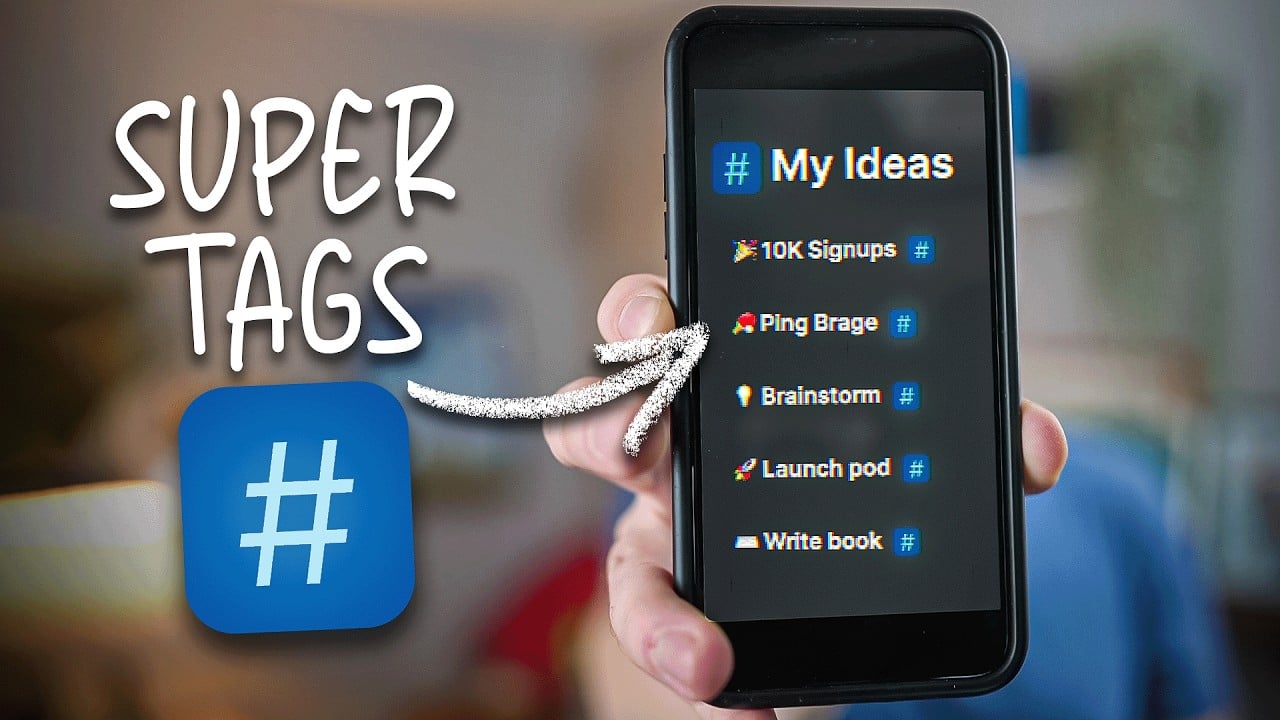
Lastly, we should mention that Tana lets you assign customizable tags to your entries, helping you create a structured yet flexible system that adapts to your needs. So, whether you’re managing a complex project or jotting down daily reflections – these so-called Supertags ensure that information is both accessible and contextually relevant.
To sum it up, Tana is a super-fancy productivity tool, offering a blend of AI innovation and user-centric design. Check it out.
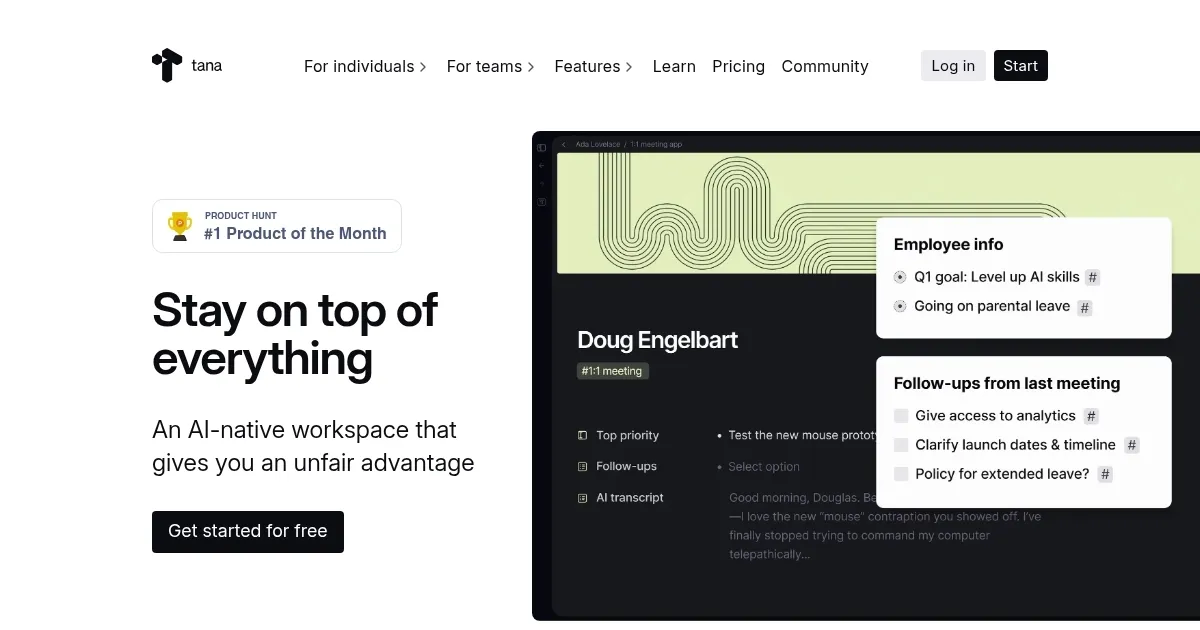
Homepage Screenshot 📸
Video Overview 🎬
What are the key features? ✨
- AI meeting assistant: Automatically transcribes meetings, generates summaries, and identifies action items to streamline post-meeting workflows.
- Voice memos: Capture voice notes that are transcribed and integrated into your knowledge base, ensuring ideas are never lost.
- Supertags: Create customizable tags to categorize and link information, fostering a personalized and efficient organizational system.
- Knowledge graph: Visualize connections between different pieces of information, aiding in the discovery of patterns and insights.
- Calendar integration: Sync with tools like Google Calendar to ensure seamless scheduling and task management.
Who is it for? 🤔
Examples of what you can use it for 💡
- Project managers can oversee tasks, deadlines, and team communications in a unified platform
- Writers and researchers benefit from organized note-taking, easy retrieval of information, and the ability to see connections between different topics
- Students can manage coursework, deadlines, and study materials
- Entrepreneurs can track business ideas, meetings, and tasks
- Teams can collaborate in real-time, share insights, and maintain a collective knowledge base
Pros & Cons ⚖️
- Combines note-taking, task management, and AI capabilities into one platform
- Features like Supertags and flexible templates enable users to tailor the platform to their needs
- Real-time collaboration included
- The array of features may be overwhelming for new users