VisionStory
Transforms photos into lifelike AI talking videos with emotion control and voice cloning
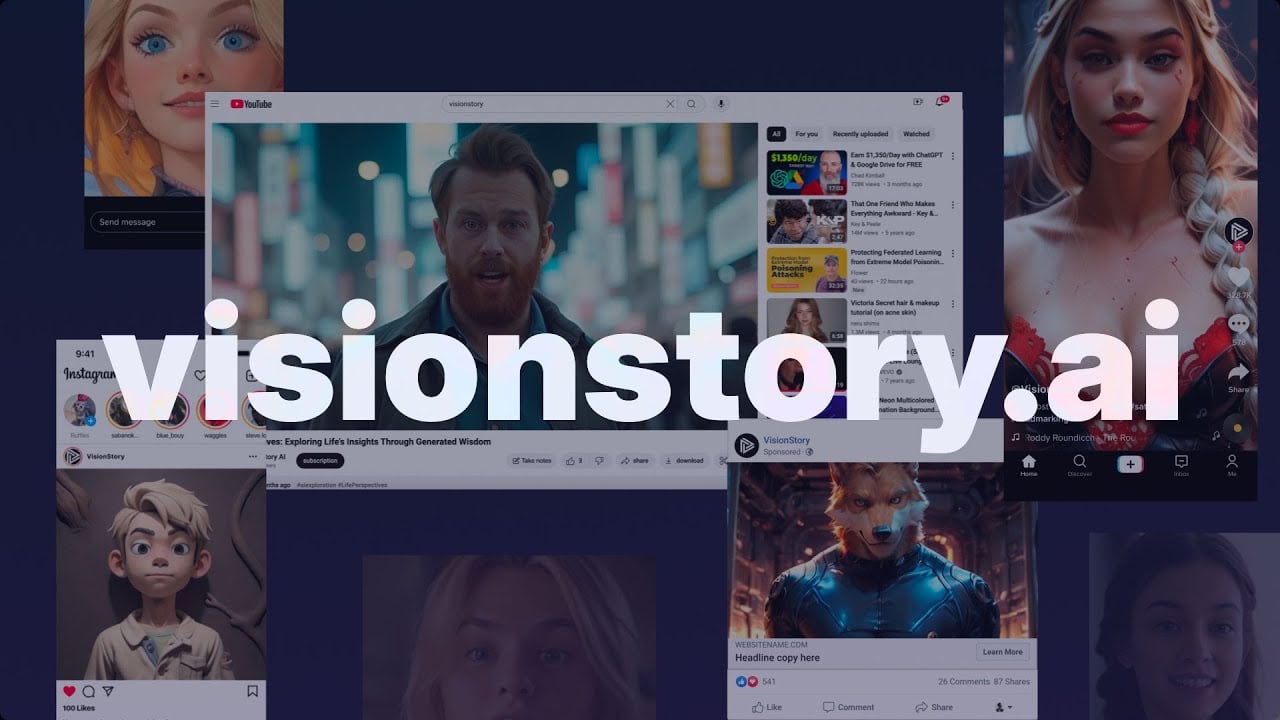
VisionStory is one for those tools content creators rave about as it allows them to easily come up with viral videos. You upload a photo — say, a selfie or a stock image — and feed it a script. Boom. In minutes, you’ve got a talking avatar video that looks like it took a film crew to produce. The AI’s lip sync is smooth, the expressions are surprisingly lifelike, and the voice cloning feature? It’s a little eerie hearing “me” narrate a video. I tried the AI Presentation tool, turning a bland slide deck into a narrated video with a digital presenter who sounded like a pro. It’s fast, fun, and frankly, a bit addictive.
The platform’s strength lies in its simplicity. The interface is clean, guiding you through each step without overwhelming you with jargon. I played with the emotion control, tweaking my avatar to sound upbeat for a mock ad. The result was polished, though I noticed the “cheerful” setting sometimes felt a tad exaggerated, like my avatar was auditioning for a sitcom. The green screen feature is a gem, letting you drop your avatar into any background, which I used to create a virtual studio vibe. Compared to Synthesia or Descript, VisionStory feels more approachable for beginners, though it matches their quality in most areas.
That said, I hit a few bumps. The free plan’s 30-second video limit felt like a tease — I wanted to keep going but needed to upgrade for longer clips. The emotion accuracy, while impressive, isn’t perfect. My “serious” avatar occasionally looked more stern than intended. Pricing-wise, VisionStory seems reasonable, especially for small teams or solo creators, but some X users grumble about the no-refund policy, which makes upgrading a bit of a leap of faith. Still, the HD output and 30+ language support make it a solid deal compared to pricier competitors like Runway.
What caught me off guard was the Talking Baby Podcast feature. I uploaded a cute baby photo, and the AI turned it into a talking video that had me chuckling. It’s quirky, sure, but perfect for viral social media content. The upcoming live streaming feature also sounds promising for real-time engagement, though it’s not out yet. VisionStory feels like a tool that’s still growing, with a few rough edges but a ton of potential.
My advice? Start with a short script and a high-res photo to test the waters. Play with the voice cloning — it’s a standout feature. If you’re creating for social media, stick to the 9:16 aspect ratio for mobile-friendly videos. Check the pricing page to pick a plan that matches your video length needs, and don’t expect perfection on the first try — tweak the emotions for best results.
Homepage Screenshot 📸

Video Overview 🎬
What are the key features? ✨
- AI-Powered Talking Video: Converts static images into expressive videos with natural speech.
- Voice Cloning: Replicates your voice for authentic, personalized narration.
- Emotion Control: Adjusts avatar expressions to match the tone of your script.
- Multilingual Support: Offers over 30 languages and 200 voices for global content.
- Green Screen Effects: Allows customizable backgrounds for professional-grade videos.
Who is it for? 🤔
Examples of what you can use it for 💡
- YouTuber: Creates engaging video content from scripts without needing a camera or crew.
- Marketer: Produces personalized ad campaigns with lifelike avatars for social media.
- Educator: Transforms training slides into narrated videos for remote learning.
- Podcaster: Converts audio podcasts into visual content with animated avatars.
- Small Business Owner: Generates affordable, professional-grade promotional videos.
Pros & Cons ⚖️
- Supports 30+ languages.
- High-quality HD output.
- Powerful voice cloning.
- Emotion accuracy varies.
- Free plan limits length.
FAQs 💬
Ready to try VisionStory?
Transforms photos into lifelike AI talking videos with emotion control and voice cloning
Visit VisionStory