GPT Subtitler
Translates subtitles and transcribes audio using AI models
Ever watched a foreign film and wished the subtitles didn’t feel like a Google Translate mishap? GPT Subtitler steps in with a promise to smooth out that frustration. This web app, built on the sturdy AWS Serverless Stack, uses powerful language models — think ChatGPT, Claude, and Gemini — to churn out subtitle translations that actually make sense. It’s not just about swapping words from Spanish to English; it’s about capturing nuance, context, and cultural flavor. The interface is clean, almost deceptively simple, guiding you to upload an SRT file, tweak settings, and hit translate. I think it’s the kind of tool that makes you wonder why subtitle translation was ever so clunky.
What’s impressive is the batch processing feature. You can handle multiple subtitle files at once, a boon for filmmakers or YouTubers juggling tight deadlines. The tool supports a range of formats — SRT, VTT, and more — so you’re not stuck converting files before you even start. Real-time translation monitoring is another gem, letting you peek at progress without refreshing the page like it’s 2005. And if you’re into audio transcription, GPT Subtitler leans on Whisper models to turn spoken words into text with surprising accuracy, even with background noise. It’s like having a multilingual assistant who never sleeps.
But it’s not flawless. The reliance on external APIs like OpenAI means you might need your own API key for heavy use, which could feel like a hassle if you’re not tech-savvy. Some users on Reddit mentioned occasional hiccups with less common languages, like translating idiomatic phrases in Swahili or Tamil. The pricing, while flexible with pay-as-you-go tokens or monthly subscriptions, might catch you off guard if you’re translating high volumes — competitors like Happy Scribe or Sonix sometimes offer more predictable costs for bulk tasks. Still, GPT Subtitler’s community-shared translation settings are a clever touch, letting you borrow optimized configs from other users.
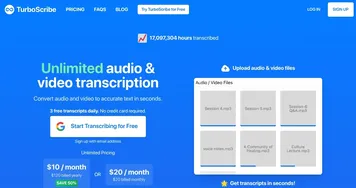
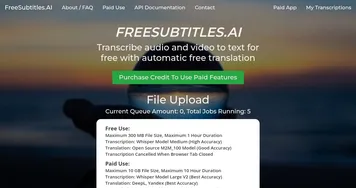
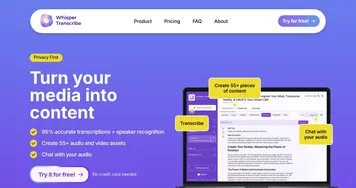
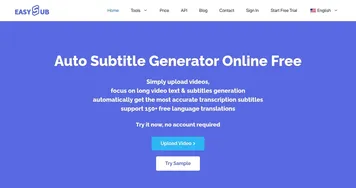
Compared to rivals, GPT Subtitler holds its own. Happy Scribe shines with its human-in-the-loop editing, but it’s pricier for small creators. Sonix boasts robust transcription but lacks the same depth in translation customization. GPT Subtitler’s edge is its integration with multiple LLMs, giving you options to pick the model that best suits your project. The surprise? You can use it for free with daily tokens, which is generous for casual users. I was skeptical about the transcription quality, but after reading user feedback on X, it seems Whisper’s performance is a standout, especially for podcasts or interviews.
Want to get started? Upload a small SRT file to test the free tier. Play with the community settings to avoid reinventing the wheel. If you’re translating niche languages, double-check the output for idioms. And if you’re a power user, grab an API key to unlock the full potential.
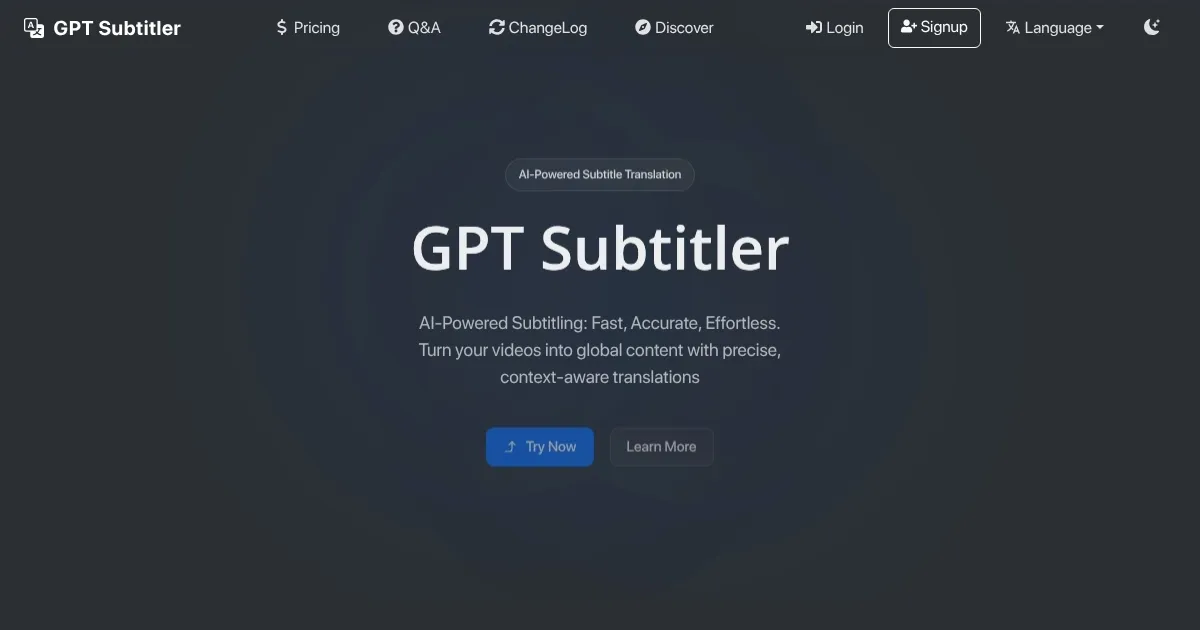
Homepage Screenshot 📸
What are the key features? ✨
- Batch Processing: Translates multiple subtitle files simultaneously.
- Real-Time Monitoring: Tracks translation progress in real time.
- Community Settings: Shares optimized translation configurations.
- Multi-LLM Support: Uses OpenAI, Claude, or Gemini for translations.
- Whisper Transcription: Converts audio to text with high accuracy.
Who is it for? 🤔
Examples of what you can use it for 💡
- YouTuber: Translates vlog subtitles to reach international viewers.
- Filmmaker: Localizes film subtitles for global festival submissions.
- Podcaster: Transcribes episodes for text-based content repurposing.
- Educator: Adapts lecture subtitles for multilingual students.
- Marketer: Translates ad subtitles for global campaigns.
Pros & Cons ⚖️
- Fast subtitle translation
- Accurate audio transcription
- Free tier with tokens
- Supports multiple LLMs
- API key setup complex
- High-volume costs
FAQs 💬
Ready to try GPT Subtitler?
Translates subtitles and transcribes audio using AI models
Visit GPT SubtitlerGPT Subtitler alternatives 🔗