Pixelfox AI
Enhances images with AI tools for retouching and generation
I fired up Pixelfox AI yesterday afternoon, just poking around after spotting a promo on a tech feed. Spent maybe an hour uploading a blurry vacation snap from last summer, the one where the beach looks washed out and everyone squints. Hit the upscaler button, picked the General mode, and watched it crunch. Boom. Edges crisped up, colors warmed without going cartoonish, like the sun decided to show up late to the party. That quick win hooked me enough to try the object removal next on a family group shot with a random trash bin photobombing the edge. Brushed over it, clicked process, and poof seamless fill that matched the grass texture spot on. Felt like cheating, honestly, but in a good way no manual cloning needed.
The interface hits you first; it’s clean, almost too simple, with big icons for each tool that screams pick me. I swapped my face onto a goofy stock model for laughs using the AI Face Swap, and while the blend wasn’t Hollywood flawless a slight halo around the hair it nailed the expression transfer. Laughed out loud at the result, shared it in a group chat, got the eye-roll emojis back. That’s the charm here: it’s playful without demanding you master curves or layers. Switched to background removal on a product mockup I whipped up coffee mug against a messy desk and it isolated the item clean as a whistle, letting me drop in a wood grain backdrop from their generator. Took under 30 seconds total. Witty bit? It’s like having a intern who never sleeps but always delivers on time.
Dug into inpainting after that, curious about the hype. Selected a scuffed corner on an old scan of my grandparents wedding pic erased the fold mark and let the AI guess the fill. Came back with lace patterns that fit the dress era perfectly, almost eerie how it pulled vintage vibes from context alone. But here’s the rub from my short spin: complex prompts in the image generator wandered a tad, like asking for a cyberpunk city and getting neon but flat buildings. Probably needs tighter phrasing, I figure, since free tools trade depth for speed. Compared to Luminar Neo, which layers on sky replacements with paid finesse, Pixelfox keeps it accessible yet might frustrate if you’re chasing cinematic depth. One run-on thought: the extender tool stretched a portrait to landscape without warping faces, adding plausible crowd blur in the back, which surprised me and turned a selfie into a scene setter effortlessly.
Testimonials echo how quickly shop owners love the e-comm tweaks for consistent listings, and artists dig the style swaps for inspiration boards. I get it; my enhanced beach photo now headlines a travel recap post, pulling more likes than usual. Surprise element? The batch upscaler handled three files at once without hiccups, though outputs stacked neatly in the preview pane. Downside crept in when I pushed the face swap on a group image results glitched on overlapping features, leaving one chin doubled. Not a dealbreaker for casual use, but it reminds you AIs got limits on crowds. Hedging a guess, pros outnumber those quirks for hobbyists.
Wrapped my session with the background generator on a portrait swapped a plain wall for a sunset glow, and it lit the skin tones just right warm but not overbaked. Felt pro without the sweat. Against Topaz Labs, which dives deeper into noise reduction for a fee, Pixelfox trades some polish for zero barrier entry. Paragraphs like this ramble because the tools chain together so fluidly you end up chaining experiments too.
Grab a dud photo from your archives and run it through the inpainter first it revives forgotten gems better than you expect. Tweak prompts iteratively for generators, and you’ll hit gold quicker. That keeps the fun rolling without frustration buildup.
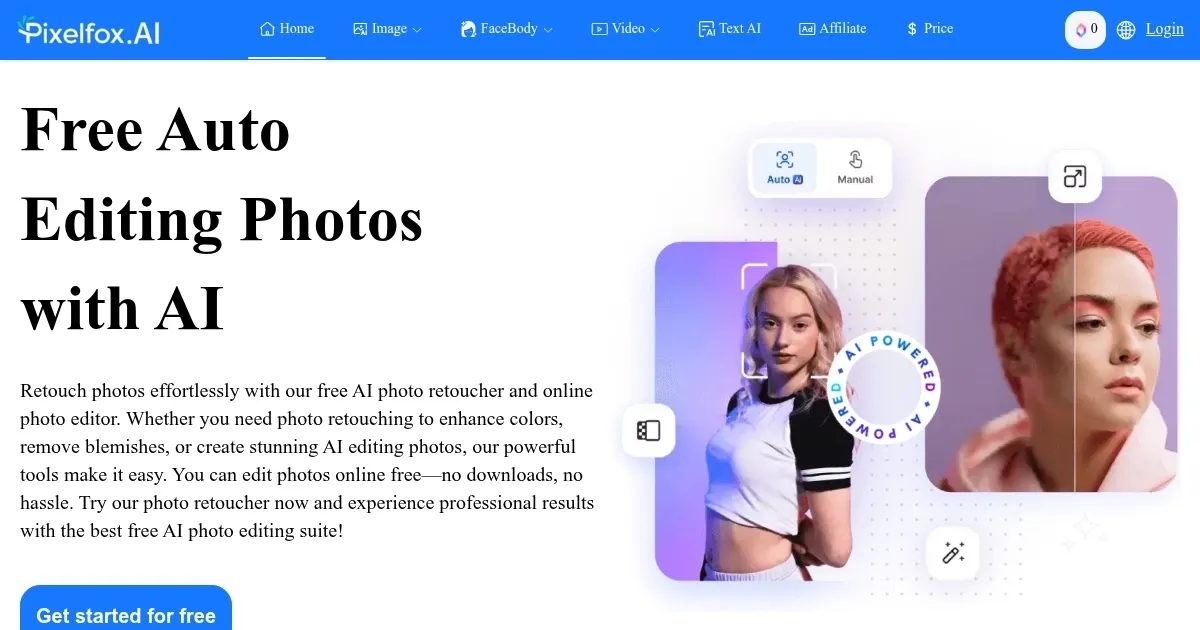
Homepage Screenshot 📸
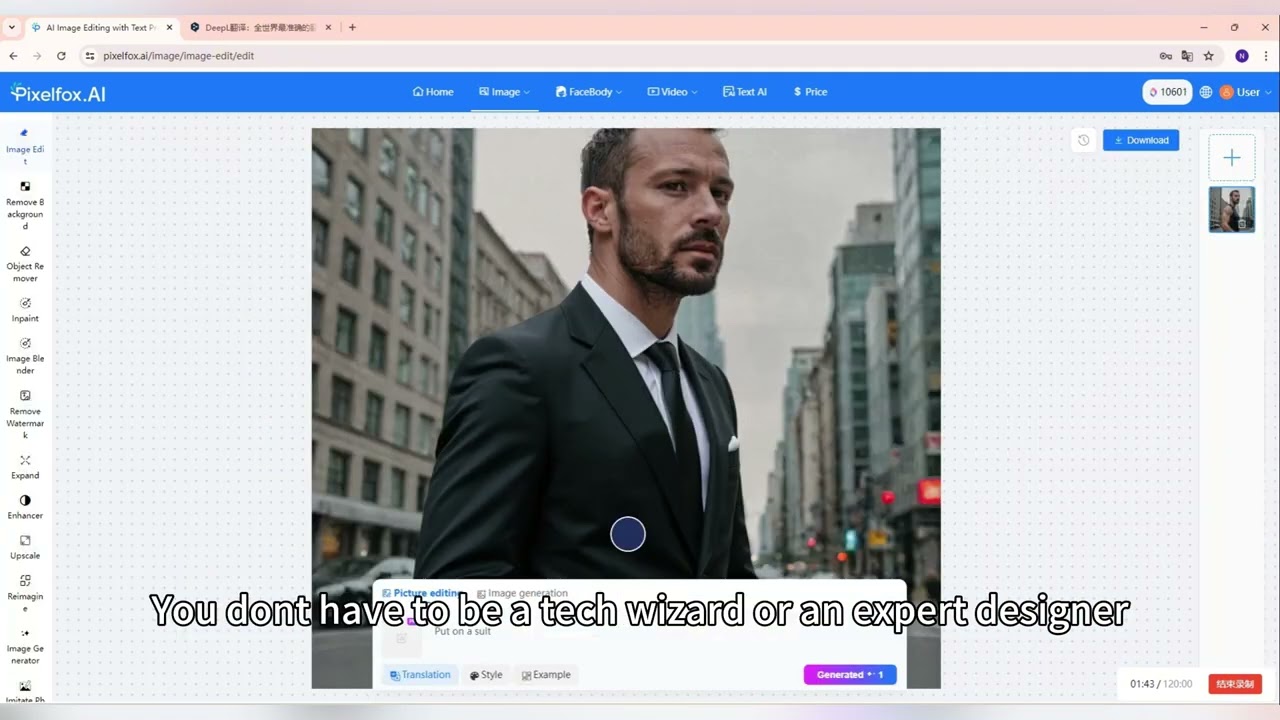
Video Overview 🎬
What are the key features? ✨
- AI Face Swap: Aligns and blends facial features between images for natural results in seconds.
- Background Removal: Segments subjects from backgrounds precisely, allowing instant replacements.
- AI Inpainting: Reconstructs selected areas using context from surrounding pixels for seamless repairs.
- AI Image Upscaler: Boosts resolution up to 4x with specialized modes for different image types.
- AI Image Generator: Transforms text prompts into visuals across 20 styles without sign-up.
Who is it for? 🤔
Examples of what you can use it for 💡
- E-commerce seller: Removes backgrounds from product photos to create uniform listings fast.
- Travel blogger: Upscales low-res shots and extends frames for wide social media formats.
- Digital artist: Generates style variants from prompts to spark new illustration concepts.
- Marketing manager: Swaps faces in team images for diverse campaign mockups.
- Real estate agent: Inpaints flaws in property pics to highlight features cleanly.
Pros & Cons ⚖️
- Free access always
- Fast 5-sec edits
- Intuitive interface
- Prompt tweaks needed
- Batch lags sometimes
FAQs 💬
Ready to try Pixelfox AI?
Enhances images with AI tools for retouching and generation
Visit Pixelfox AI