Image Enhancer by TecDeon Limited
Enhances photos with AI to upscale resolution, sharpen details, and remove noise in one click
ImageEnhan is an AI tool that’s quietly making waves for anyone who’s ever squinted at a blurry photo and wished for a magic fix. This web-based platform, powered by PicUP.Ai, takes your grainy, low-res images and transforms them into sharp, vibrant visuals with a single click. It’s not just about upscaling — it’s about breathing new life into photos, whether they’re old family snapshots or product images for an e-commerce store. I think it’s the kind of tool that feels like a cheat code for anyone who’s not a Photoshop wizard.
The process is dead simple. You upload an image (JPG, PNG, or WebP), pick an enhancement type — upscale, deblur, denoise, or restore — and let the AI do its thing. In seconds, you get a polished result, often upscaled by 2x or 4x, with colors popped and details clarified. The AI Super Size Enhancement feature is a standout, boosting resolution while preserving textures, which is a godsend for printing posters or sprucing up social media posts. The denoising tool also impresses, stripping away grain from low-light phone shots without making them look plastic. For portrait photographers, the platform’s knack for enhancing facial details is a game-changer, though it’s less effective on landscapes or text-heavy images.
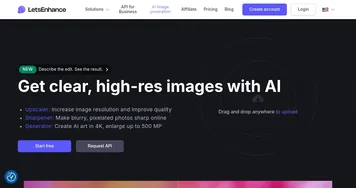
What’s not to love? Well, the free plan slaps watermarks on your images and caps usage, which might frustrate heavy users. There’s no batch processing either, so enhancing a pile of photos means clicking through one by one. Compared to competitors like Let’s Enhance or Fotor, ImageEnhan’s interface is snappier, but it lacks the manual editing tweaks those platforms offer. Let’s Enhance, for instance, lets you fine-tune upscaling modes, while Fotor bundles in text and filter options. Still, ImageEnhan’s cloud-based speed and zero-install ease make it a strong contender for quick fixes.
A surprise perk is the platform’s creative tools, like Animeify Picture and Studio Ghibli AI, which turn photos into stylized art. I didn’t expect to have fun turning my dog’s photo into a Miyazaki-inspired masterpiece, but here we are. These features feel like a bonus for social media creators looking to stand out. On the flip side, the lack of a mobile app might disappoint folks who edit on the go, unlike Remini, which thrives on mobile.
Pricing-wise, ImageEnhan’s freemium model is approachable, with free low-res downloads and affordable premium plans for individuals or businesses. It’s competitive with VanceAI but lacks the subscription flexibility of Canva. If you’re a casual user or small business owner, the cost feels fair for the results. Want to get the most out of it? Experiment with portrait shots for the best enhancements, and use the referral program to snag extra credits.
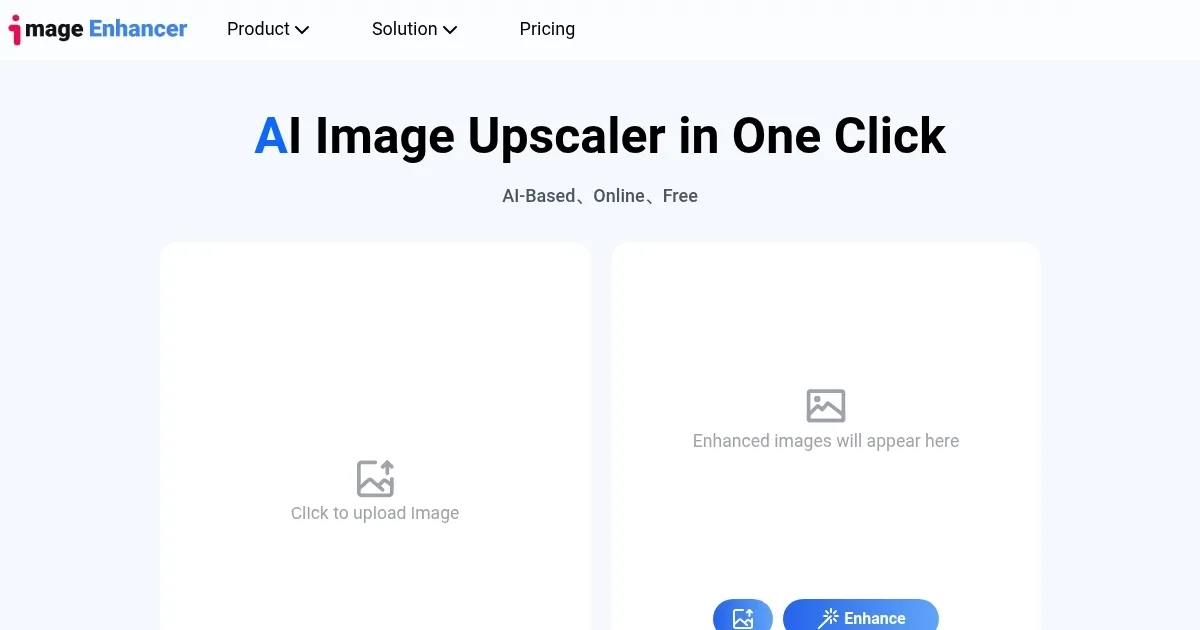
Homepage Screenshot 📸
What are the key features? ✨
- AI Super Size Enhancement: Upscales images by up to 4x while preserving details.
- Image Sharpening: Restores clarity to blurry or out-of-focus photos.
- Denoising Tool: Removes grain and noise from low-light or compressed images.
- Portrait Enhancement: Optimizes facial details for professional-quality portraits.
- Animeify Picture: Transforms photos into anime-style artwork with customizable styles.
Who is it for? 🤔
Examples of what you can use it for 💡
- Photographer: Enhances low-res portrait shots for crisp, print-ready images.
- E-commerce Seller: Sharpens product photos to boost professionalism on online listings.
- Social Media Manager: Upscales and stylizes images for engaging Instagram or LinkedIn posts.
- Real Estate Agent: Improves property photos with vibrant colors and clear details.
- Hobbyist: Restores old family photos to preserve memories in high resolution.
Pros & Cons ⚖️
- Free low-res downloads
- Creative anime/Ghibli filters
- Affordable premium plans
- Watermarks on free plan
- No batch processing
FAQs 💬
Ready to try Image Enhancer?
Enhances photos with AI to upscale resolution, sharpen details, and remove noise in one click
Visit Image EnhancerImage Enhancer alternatives 🔗