Frequently Asked Questions
What is the best AI tool for ad creative?
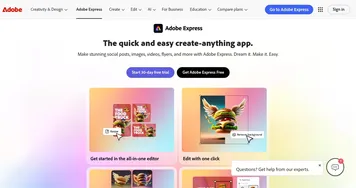
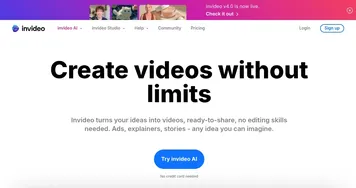
The best AI ad creative tool depends on the format. Canva Magic Design and Adobe Express are great for graphics and layouts, PhotoRoom and Pixelcut excel at product-photo editing, and InVideo turns clips and scripts into video ads. Many advertisers keep one image tool and one video tool.
What's the difference between ad creative and ad copy tools?
Ad creative tools handle the visuals: the images, video, and graphics in an ad. Ad copy tools handle the words: headlines, descriptions, and body text. They solve different halves of the same ad, and most campaigns need both. Creative tools make it look good; copy tools make it read well.
Can AI make video ads?
AI can make video ads from a script, a product link, or existing footage, generating scenes, captions, voiceover, and resized versions for each platform. Tools like InVideo and AI avatar generators produce social-ready clips in minutes. The output works well for testing, though hero campaigns often still get a human edit.
Are AI ad creative tools free?
Most AI ad creative tools have a free tier with watermarks or export limits, then charge monthly for full resolution, brand kits, and bulk generation. Plans commonly start around ten to thirty dollars a month. Free tiers are usually enough to test the tool before committing to a subscription.
Can I use AI-generated ad images commercially?
You can usually use AI-generated ad images commercially on paid plans, but the rules vary by tool, so check each one's license. Watch for stock elements and fonts that carry their own terms, and confirm any logos or product photos you upload are yours to use in ads.