
Best AI 3D Imaging Tools
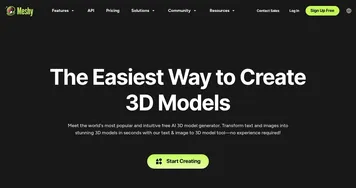
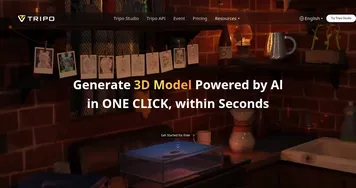
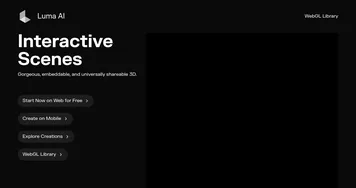
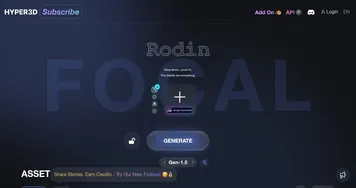
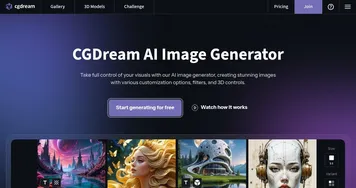
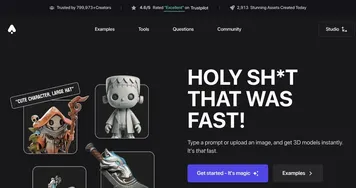
AI 3D imaging tools generate three-dimensional models, objects, and scenes from a text prompt or a single reference photo. Instead of flat pictures, you get an actual mesh with depth and texture that you can rotate, light, and drop into a game engine or 3D scene. You describe an object or upload an image, and the model builds the geometry for you. Tools like Meshy, Tripo3D, Luma Interactive Scenes, and Hyper3D lead here.
Game developers, product designers, and 3D artists use these to skip hours of manual modeling and get a usable starting mesh in minutes. What matters is clean topology and a sensible UV layout, since a messy mesh is hard to edit or animate later. AI gets you most of the way fast, but expect to retopologize or refine the result before it goes into a final, production-quality asset.













What can you do with AI tools for 3D?
It's amazing to see how generative AI has advanced when you can create complex 3D models with text prompts. But that's not all these tools can do. For instance, you can use them to:-
Create 3D objects with prompts
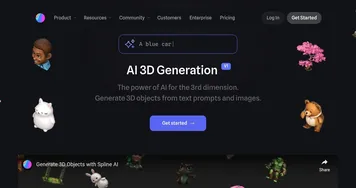
Instead of using expensive and complicated software to create 3D models, you can try one of these tools to quickly generate 3D objects. All you have to do is type what kind of object you want, and the AI will return it to you in a matter of seconds (or minutes). -
Create 3D objects from photos
Or you may want to create a 3D object from photos. There are AI tools that will let you take a few photos and then generate a 3D model out of it. Sometimes, this may not work flawlessly, but the other times - you'll get exceptional results. -
Edit 3D objects
Once you get the first result, you may want to tweak it a bit. Some of these tools also let you do that by changing the materials or adding lighting if you fancy so. -
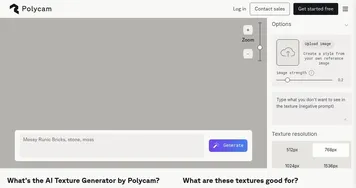
Create textures
Every 3D model needs a texture and while you can create it in a "regular" (desktop) software, there is also an option to do that right from the AI tool - at least in some cases. Here, the image generation algorithms kick in, allowing you to create all kinds of textures with text prompts. It's like creating any other image in apps like DALL-E and Stable Diffusion. -
Play with existing models
Many AI tools for 3D come with a library of 3D objects you could use in your creations. See if you can find the use for them in your creations, and perhaps tweak them to your liking. It is always easier to start with something.