Best AI Design Assistant Tools

63 toolsRanked by traffic

An AI design assistant works alongside you inside a design or whiteboard tool, helping you brainstorm, lay out, and refine work as you go rather than spitting out a single finished file. It acts as a collaborator: suggesting layouts, generating starter ideas, and cleaning up your drafts. Tools like Canva Magic Design, FigJam AI, and Miro AI build this helper directly into the canvas.

Design teams, product folks, and solo creators use these to get unstuck and move faster, whether that's turning a messy brainstorm into organized sketches or asking for layout options on a half-finished slide. Some, like Adobe Express, pair the assistant with full editing power. The thing that sets a good one apart is how well it fits into your existing workflow instead of forcing you out to a separate generator and back.


Canva Magic Design
Canva Magic Design - icon
Canva Magic Design
Generates custom, on-brand designs from text prompts or uploaded media in seconds.
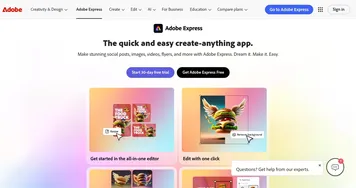
Adobe Express
Adobe Express - icon
Adobe Express
Creates on-brand content with AI-driven design and video tools
FigJam AI
FigJam AI - icon
FigJam AI
Instantly visualize ideas, suggest best practices, and automate tedious tasks
Miro AI
Miro AI - icon
Miro AI
Visual collaboration platform that lets you build the next big thing with a prompt and a chat
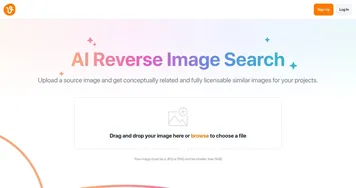
Vecteezy AI
Vecteezy AI - icon
Vecteezy AI
A reverse image search engine that generates related and fully licensable similar images
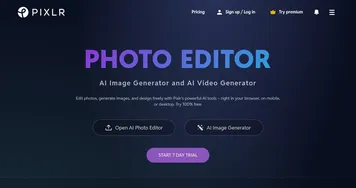
Pixlr
Pixlr - icon
Pixlr
An AI-powered online photo editing and design platform, enabling everyone to create stunning designs
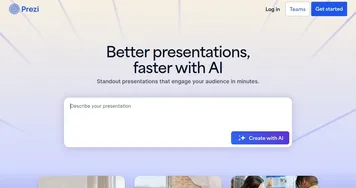
Prezi
Prezi - icon
Prezi
Creates engaging AI-powered presentations in seconds
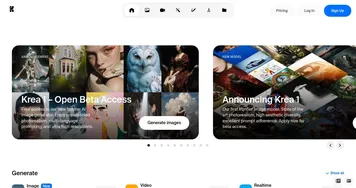
Krea
Krea - icon
Krea
Empowering users to generate and enhance images and videos using advanced AI
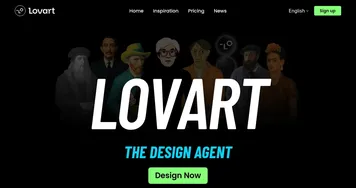
Lovart
Lovart - icon
Lovart
Transforms text prompts into designs across images, videos, and 3D
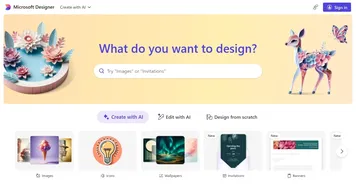
Designer
Designer - icon
Designer
A graphic design app from Microsoft that helps create professional graphics
Mermaid Chart
Mermaid Chart - icon
Mermaid Chart
A diagramming tool that allows users to create a range of diagrams using text
ImagePrompt.org
ImagePrompt.org - icon
ImagePrompt.org
Helping users create detailed prompts for AI art generation
Clipdrop
Clipdrop - icon
Clipdrop
Image editor for removing backgrounds, upscaling, relighting, and more
AutoDraw
AutoDraw - icon
AutoDraw
Is an AI drawing tool that pairs AI and machine learning with drawings from talented artists

Frequently Asked Questions

What does an AI design assistant do?
An AI design assistant helps you create designs while you work, suggesting layouts, generating starter concepts, summarizing brainstorms, and tidying up rough drafts. Unlike a one-off generator that hands back a finished image, an assistant stays in the canvas with you, offering options you can accept, tweak, or ignore as you refine the design yourself.
How is a design assistant different from an AI image generator?
A design assistant collaborates throughout your whole process, helping with layout, structure, and iteration inside your design tool. An image generator does one job: it produces a picture from a prompt. Assistants are about guiding and speeding up the work you're already doing, while generators are about creating a single new visual on demand.
Are AI design assistants good for teams?
Yes, many AI design assistants shine in team settings. Whiteboard tools with built-in AI can cluster sticky notes, draft diagrams, and summarize a workshop in seconds, which keeps collaborative sessions moving. They're especially handy for early planning, where the assistant turns scattered group input into something organized everyone can build on.
Do AI design assistants require design skills?
No, AI design assistants are built to help people without formal design training. They suggest sensible layouts, recommend colors and fonts, and handle the fiddly arrangement work so you can focus on the message. That said, a bit of taste still helps: the assistant proposes options, and you decide which ones actually look right.