
Best AI PPT Generation Tools
36 toolsRanked by traffic
AI PPT generation tools create PowerPoint presentations from a prompt or an outline, with a focus on producing files you can open and edit in Microsoft PowerPoint. You describe the topic, and the tool builds slides using PowerPoint-ready templates and layouts. Popular options include Gamma, Beautiful.AI, Slidesgo AI Presentation Maker, and Visme.
These tools fit anyone whose workplace runs on PowerPoint and needs an editable .pptx to share, brand, or hand to a colleague. The detail that matters most is the quality of the PowerPoint export: a clean file keeps your fonts, shapes, and layouts intact, while a rough one drops formatting you then have to fix. It's worth checking whether template variety matches the kind of decks you build.


Canva Magic Design
Generates custom, on-brand designs from text prompts or uploaded media in seconds.
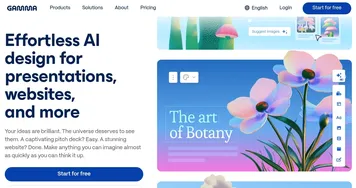

Gamma
An AI tool for creating presentations, documents, or webpages.
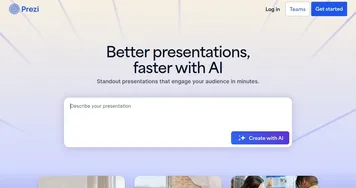
Prezi
Creates engaging AI-powered presentations in seconds
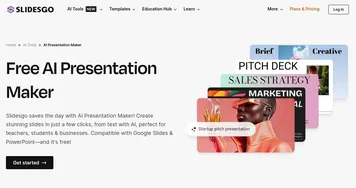

Slidesgo AI Presentation Maker
An AI-powered presentation maker that simplifies the creation of presentations for all kinds of use cases


Beautiful.AI
An AI tool that helps create presentations
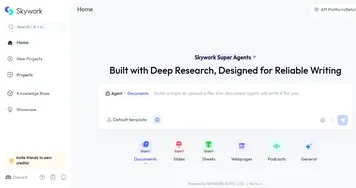

Skywork
Transforms simple prompts into research-backed docs, slides, and podcasts
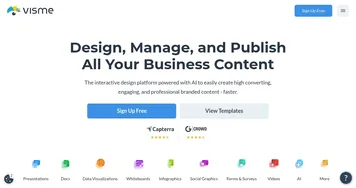
Visme
Create stunning presentations, infographics, and branded visuals effortlessly
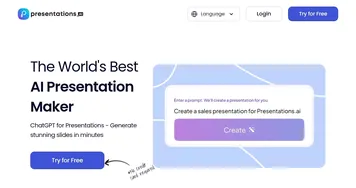

Presentations.AI
ChatGPT for presentations producing stunning decks with little effort
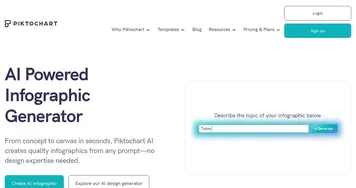

Piktochart AI
Transform text-heavy content into visually appealing infographics


Pitch
A presentation tool that combines intuitive design with robust collaborative features and AI
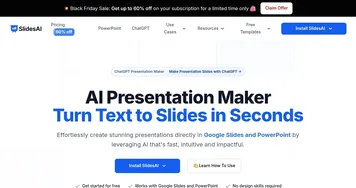

SlidesAI
An AI-powered text to presentation tool for creating presentation slides
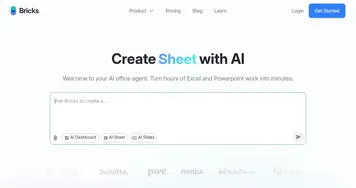

Bricks
An AI-powered spreadsheet platform for data analysis, reporting, and visualization tasks


Edraw.AI
An innovative platform that combines AI with diagram creation


Plus AI
Make slides in seconds and edit them with AI, it's free for Google Slides
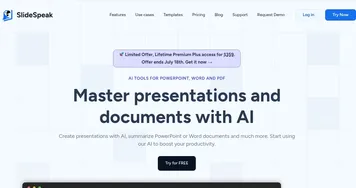

SlideSpeak
An AI tool designed to streamline presentation design and summary
Frequently Asked Questions
What is the best AI PowerPoint generator?
The best AI PowerPoint generator depends on how you work. Beautiful.AI keeps slides on-brand with smart layouts, Slidesgo offers a large template library tied to its design catalog, and Gamma drafts decks fast from a prompt. If a clean PowerPoint export is your priority, test how well each tool preserves formatting in the downloaded file.
Can AI make a PowerPoint I can download and edit?
Yes, AI PPT tools generate PowerPoint files you can download and edit in Microsoft PowerPoint. After the tool drafts your slides, you export a .pptx and open it like any normal deck to adjust text, layouts, and visuals. Export quality varies between tools, so confirm the file keeps your formatting before relying on it for an important meeting.
Are AI PowerPoint tools free?
Many AI PowerPoint tools offer a free tier, though exports, premium templates, and watermark removal often sit behind a paid plan. Pricing usually lands in the low tens of dollars a month for full access. Since export quality is the whole point of a PPT tool, test the download on a free deck before paying.
Will the formatting stay intact when I export to PowerPoint?
Formatting usually transfers well, but the result depends on the tool. The best PPT generators export fonts, colors, and layouts cleanly into PowerPoint, while weaker ones flatten slides into images or shift element positions. If you plan to edit heavily after export, pick a tool known for producing native, editable PowerPoint shapes rather than baked-in graphics.
Do I need a PowerPoint license to use these tools?
No, you do not need a PowerPoint license to generate slides with these AI tools. They run in your browser and create the deck for you. You only need PowerPoint, or a compatible app like Google Slides or Keynote, if you want to open and keep editing the exported .pptx file afterward.