
Best AI Presentation Generation Tools
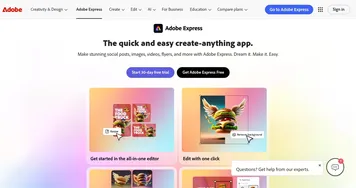
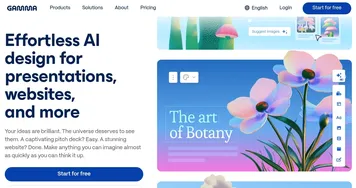
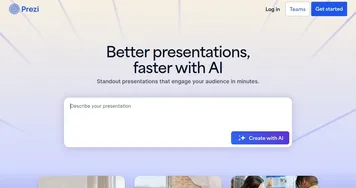
AI presentation generation tools turn a topic, an outline, or a rough document into a finished slide deck in any format. You describe what you need, and the tool drafts the slides, writes the text, and lays out the design for you. The category spans broad deck builders like Gamma and Canva Magic Design, motion-style tools like Prezi, and all-in-one design suites like Adobe Express.
People reach for these when they need a pitch, a class lecture, or a team update without spending an afternoon on formatting. The thing that varies most between tools is the output: some give you clean web decks, others export to slides you can hand off and edit. It's worth checking how much control you keep over the final design, because a few tools lock you into their look.















Why should you use AI tools for presentations?
We explained the basic premise in the introduction, but let's go into more detail here. AI tools for presentation-making can help you:-
Generate new ideas
Many people take better cues from visual presentations, and in that sense - using PowerPoint or Google Slide slides are better suited for them. Your presentation could be a starting point for any brainstorming session, and you get to make it with a simple text prompt. Try Tome, Beautiful.AI, Decktopus or Gamma for this. -
Design
No need to start from scratch when you can rely on a tool to do all the design work for you. There are options to select primary colors, but for layouts - you are better off letting the AI make decisions for you. As noted above, the result is based on best practices. -
Create visuals
These tools can also generate visuals for you, including images, charts, infographics and infographic elements based on the prompt you provide. For instance, if you input sales data, they can create a pie chart visually representing it. -
Content suggestions
With their ability to understand what you're trying to make, AI tools for presentations will populate your slides with suitable content. From that point on, all you have to do is remove the stuff you don't need, add things that you may've missed, and change a few bullet points. Writer's block is not an excuse in the "age of AI." -
Personalization
The mentioned content generation doesn't have to be generic. If you provide these tools with enough data, they will use it to make a personalized presentation that is made for your company. Or, if you specify what will be the audience of your presentation, you will get slides suitable for that audience. -
Resources
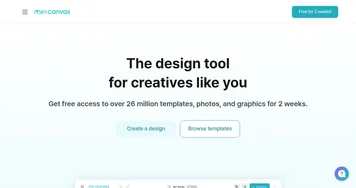
Like other non-AI tools - these tools also tend to offer a library of pre-designed templates, images, and icons that you can use in your presentations.