Frequently Asked Questions
What is the best AI scheduling tool?
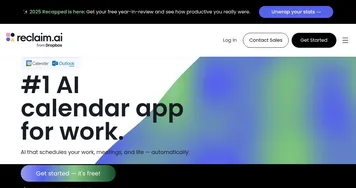
The best AI scheduling tool depends on who you're booking with. For client bookings, a shareable link tool is simplest. For coordinating a busy team, Motion and Reclaim.ai read everyone's calendars and propose times that fit. Assistant tools like Lindy go further and handle the booking conversation for you over email.
What's the difference between a scheduling tool and a calendar tool?
A scheduling tool focuses on arranging meetings with other people: finding mutual free time, sharing booking links, and coordinating across calendars. A calendar tool manages your own time, auto-blocking focus hours and rearranging your events. Scheduling is about the handshake between two schedules; a calendar tool is about running yours.
How does AI scheduling work?
AI scheduling tools connect to your calendar, read your free and busy times, and apply rules about your preferences, like no meetings before ten or buffers between calls. When someone wants to book, the tool offers only slots that genuinely work, handles time zones, and adds the event once a time is picked.
Can AI schedule meetings automatically?
Yes, AI scheduling assistants can handle the whole booking on your behalf. You tell the assistant to set up a meeting, and it checks availability, suggests times, emails the other person, and confirms the slot once they agree. This is most useful for back-and-forth coordination that would otherwise eat several emails.
Do AI scheduling tools handle time zones?
Yes, handling time zones is one of the main reasons to use them. The tool detects each person's local time and only offers slots that fall within reasonable hours for everyone. This removes the most common scheduling mistake, booking a call at 6am for someone on the other side of the world.