
Best AI Workplace Assistant Tools
163 toolsRanked by traffic
A workplace AI assistant lives inside your company's software (chat, docs, project tools, and internal systems) and answers questions and helps out across the workday using your own organization's knowledge. Common examples include Slack AI in your messages, Microsoft Copilot across Office, and Box AI over your stored files.
What makes these different from a standalone chatbot is context: they already know your documents, conversations, and tasks, so you can ask "what did we decide last week?" and get a real answer. Teams on Zoho reach for Zia, while others use Amazon Q across AWS. The deciding factor is usually which software your company already runs on, since the assistant is only as helpful as the data it can see.
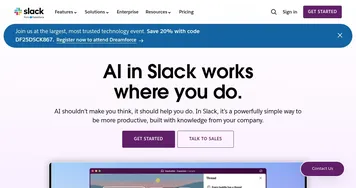

Slack AI
Search smarter, summarize conversations instantly, and be at your most productive
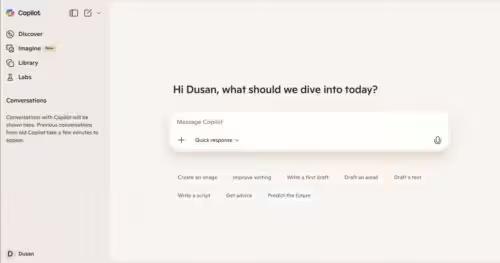

Microsoft Copilot
Boosts productivity with AI-driven answers, writing, and image creation

Box AI
An assistant that taps into your enterprise content and documents

Zia
AI-powered business assistant from Zoho

Amazon Q
Your generative AI–powered assistant designed for work that can be tailored to your business

Asana AI
An AI helper built into the Asana platform to make managing projects and tasks easier
HubSpot Breeze
Streamlines business growth with AI tools for marketing, sales, and service
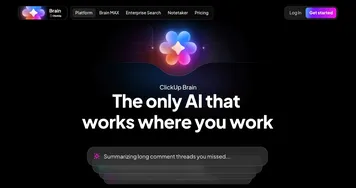

ClickUp Brain
Automates workflows with contextual AI for tasks, meetings, and content creation
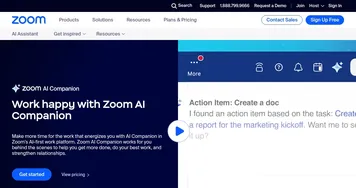

Zoom AI Companion
Get high-quality results when drafting emails and chat messages, summarizing meetings and chat threads
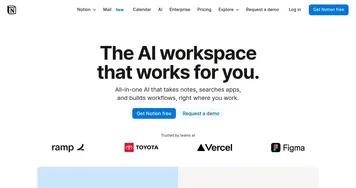
Notion AI
Streamlines work with AI-powered note-taking, app searches, and workflow automation
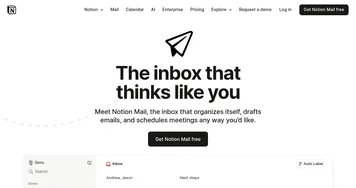

Notion Mail
Organizes emails automatically with AI while drafting replies and scheduling meetings
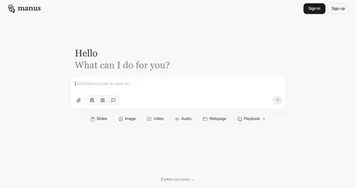

Manus
An AI agent designed to handle complex tasks all by itself
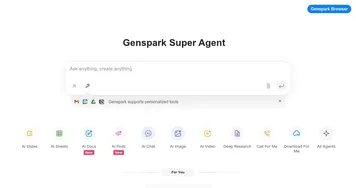

Genspark
An innovative AI-powered search engine designed to improve how we access information online
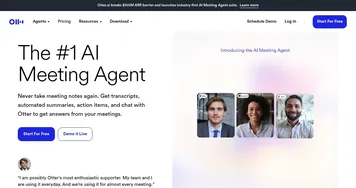

Otter.ai
An AI meeting assistant that writes notes, captures slides and more
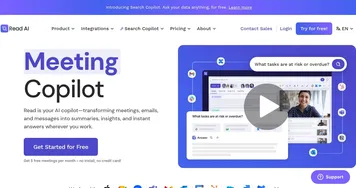
Read AI
AI-generated summaries, transcripts, playback, and highlights to improve your meetings
Frequently Asked Questions
What is a workplace AI assistant?
A workplace AI assistant is an AI helper built into the software your company already uses, like its chat, documents, and project tools. It draws on your organization's own data to answer questions, summarize threads, find files, and help with tasks, so it understands your context instead of starting from a blank slate like a general chatbot.
How is a workplace assistant different from ChatGPT?
A workplace assistant is connected to your company's documents, messages, and systems, so it can answer questions about your specific work, while a general chatbot like ChatGPT only knows what you paste into it. The workplace assistant trades broad open-ended chat for grounded, organization-aware help inside the tools your team already lives in.
Can a workplace AI assistant see all my company data?
A workplace AI assistant sees only the data it's connected to and what your existing permissions already allow, so it should not surface files you couldn't open yourself. Good ones respect your company's access controls and keep data inside your tenant. Still, it's worth confirming the permission and privacy settings before rolling one out widely.
What is the best workplace AI assistant?
The best workplace AI assistant is usually the one built into the software your team already runs. Companies on Microsoft 365 get the most from Microsoft Copilot, Slack-based teams benefit from Slack AI, and document-heavy orgs lean on Box AI. Match the assistant to your stack rather than adding yet another separate tool.
Do workplace AI assistants need IT setup?
Workplace AI assistants usually require some IT involvement to connect them to your systems, set permissions, and turn on the right data sources. Once configured, employees use them with no extra steps inside familiar apps. The setup work is mostly about controlling access carefully, which is exactly what makes these assistants trustworthy with company data.