Best AI Scanning Tools
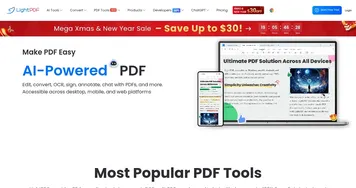
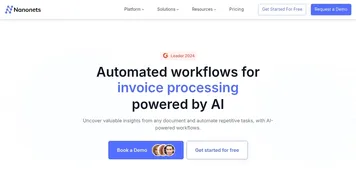
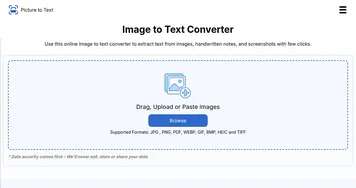
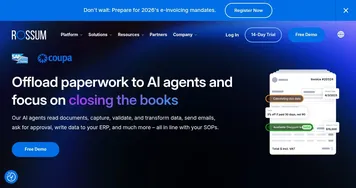
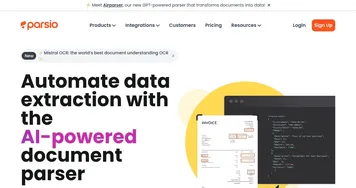
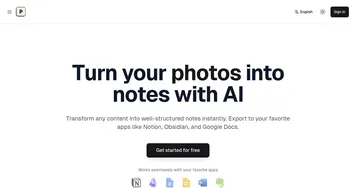
AI scanning tools turn a scanned page or a photo of a document into editable, searchable text using OCR. You point your camera or upload an image, and the tool reads the characters and gives you back text you can copy, search, or export. Tools like LightPDF, Nanonets, and Picture to Text handle everything from a quick receipt snap to bulk batch scanning.
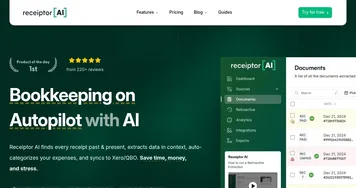
People use these to get paper into a computer: digitizing receipts and invoices, capturing notes from a whiteboard, or saving a printed page as a real document. Accuracy is the whole game here. Clean, well-lit scans read almost perfectly, while blurry photos, handwriting, and odd fonts introduce errors. If you scan the same kind of document often, like receipts or forms, a specialized tool will beat a general one because it knows the layout.